Blog Filters:
-
SOLIDWORKS Electrical Summer “Blog” Buster: Star Wars Hyper Passing
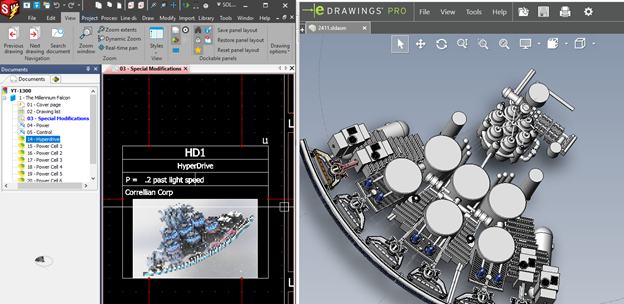
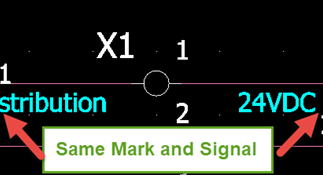
Your Circuit information transmission option detailed here, is similar to Star Wars’ Hyper Jumps. Make a link between symbols on the same component, where wiring info can travel seamlessly between the symbols, even if there are no wires connected.
-
Lost SOLIDWORKS Lore: SOLIDWORKS Online Help
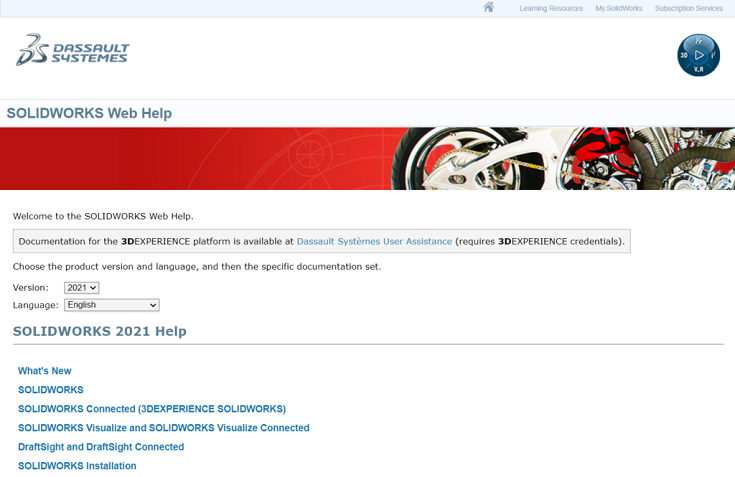
SOLIDWORKS Online Help is an easy-to-use, complete reference resource for all things SOLIDWORKS. Learn more about it in this blog.
-
Change Your SOLIDWORKS Icons to Prevent Versioning Errors
If you work with multiple versions of SOLIDWORKS, it can get difficult to make sure you’re not opening a file in a newer version than you intended. To help prevent this confusion, we recommend updating your icons with a custom graphic, and we show you how in this tutorial.
-
SOLIDWORKS Electrical Summer “Blog” Buster: Become a Symbol Creation Wizard
Let’s take a look at our own summer blockbuster, er, “blog” buster, with Evan’s favorite tip on how to master the circuit information transmission property, to become a true Symbol Creation Wizard!
-
Lost SOLIDWORKS Lore: Custom Property on the Save Dialog
You might have noticed you can put a value in the Description box when saving a file that will assign the value to the Description property itself. But, you can actually map the box in the Save dialog to any custom property you like! Learn how.
-
Create Complex SOLIDWORKS Sheet Metal Designs By First Modeling a Form (With Video)
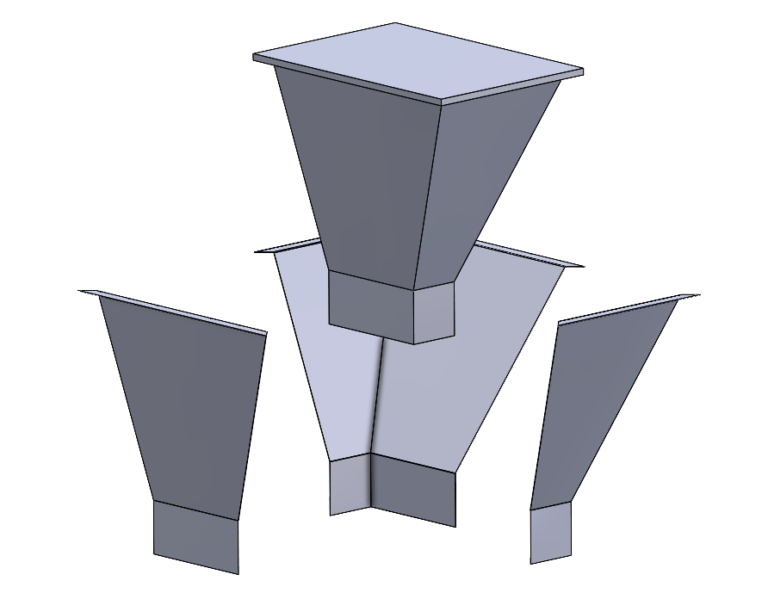
Did you know you can model the volume for sheet metal designs as a solid body to start, pulling sheet metal pieces from the body? Find out about the tool called Convert to Sheet Metal specifically for this purpose!
-
Lost SOLIDWORKS Lore: Custom Property List (With Video)
Learn how to change the contents of your Custom Properties List in SOLIDWORKS. (Complete with video tutorial!)
-
SOLIDWORKS Manage 2021 New Features & Benefits (With Video)
Managing multiple projects is commonplace for people who use SOLIDWORKS Manage. New in 2021, SOLIDWORKS introduced Project Lists, Automatic Project Updates, additional Project Data Visualization, and more!
-
The Fix for VBA Error When Installing SOLIDWORKS SP1 & Older
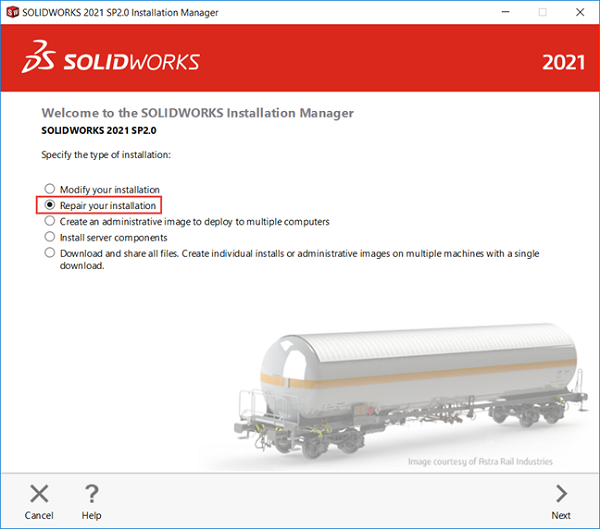
After installing SOLIDWORKS 2021 SP2 or higher, you will now receive install errors on all versions prior, due to upgraded VBA Components. This blog will go into detail on what caused this issue and how to fix it.
-
SOLIDWORKS PCB Services: How to Back Up Your Data
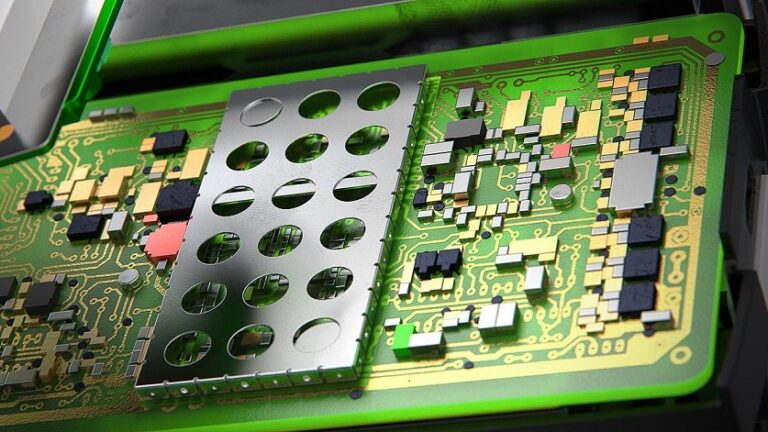
It’s important to back up your PCB Services data, whether for restoration or intentional moving of your Services host machine. This is something you’ll want to do routinely as this data can be used to safely restore your managed projects and userbase credentials.
-
Lost SOLIDWORKS Lore: Selection Through Transparency
Want to make a part see-through or transparent? There’s a quick way to do so. Learn how to set your preference as a default, and more.
-
Markforged 3D Printing Gains to Know About: Materials, Build Volume, & Data Security
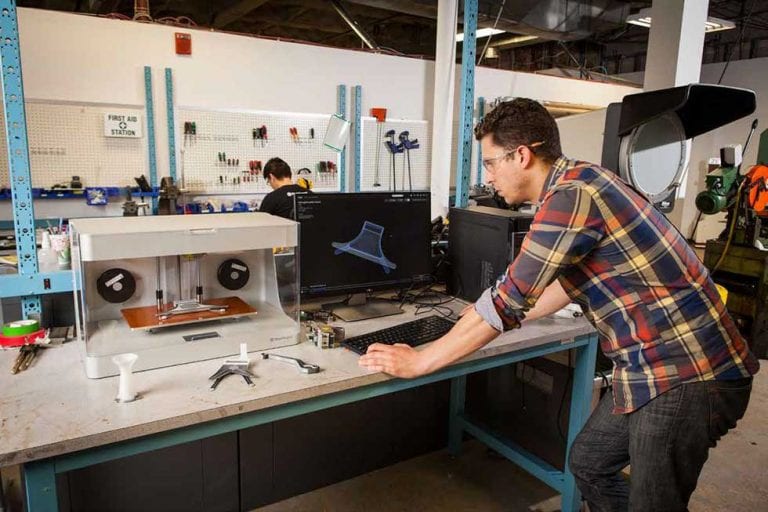
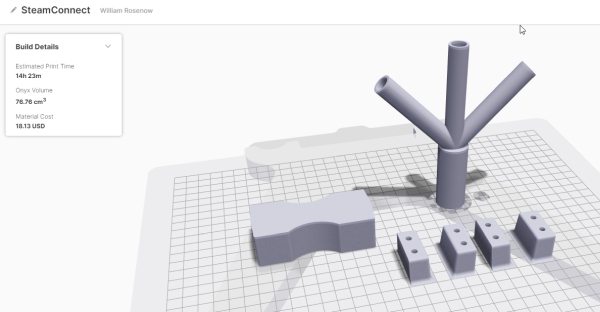
As we dive deeper into 2021, we want to share what Markforged has been up to in the last year or so, with new materials, increased build volume, and heightened data security. Markforged continues to bring so much to the table time and time again as they innovate.
-
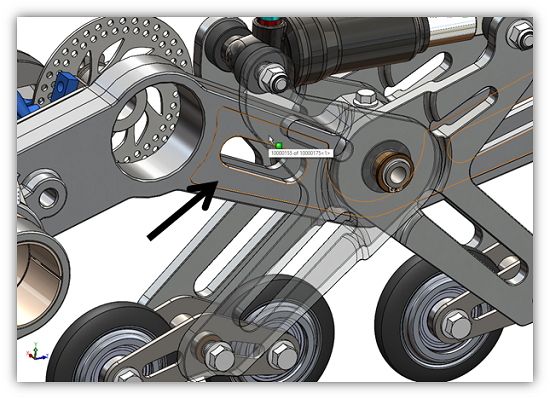
Lost SOLIDWORKS Lore: The Feature Drop
Learn about the ability to drag-and-drop a feature from one model to another. While you can add commonly used features to your feature library, the ability to copy a feature on the fly is convenient!
-
Collect an Rx, Logs, & Files for Technical Support to Resolve Your SOLIDWORKS Issue
You’ve come across a bug or problem when using SOLIDWORKS, but now what? We summarize the most common logs and files that Technical Support needs from you to start diagnosing a SOLIDWORKS issue.
-
How to Find the SOLIDWORKS Forum on the 3DEXPERIENCE Platform
Need help finding the SOLIDWORKS User Forum? We walk you through how to locate it on the 3DEXPERIENCE Platform under 3DSwym Communities.
-
Improving Age-Old Manufacturing Processes with Markforged 3D Printing: Valmet Foundry Customer Case Study
By revamping age-old foundry processes, Valmet changed their manufacturing processes to be more cost-saving, convenient, and efficient than previously thought possible. It also gave them manufacturing independence for applications throughout their line. Learn more.
-
Celebrating 25 Years of SOLIDWORKS User Groups
It’s been 25 years since the first meeting of the first SOLIDWORKS User Group Network (SWUGN) chapter. To celebrate, they’re having a huge online event you’re encouraged to attend! Our own Jeff Setzer will be presenting a nostalgic demo of SolidWorks 95, and Gian Paolo Bassi, CEO of SOLIDWORKS, will be joining as well.
-
Automatically Generate PLC Addresses in SOLIDWORKS Electrical (With Video Tutorial)
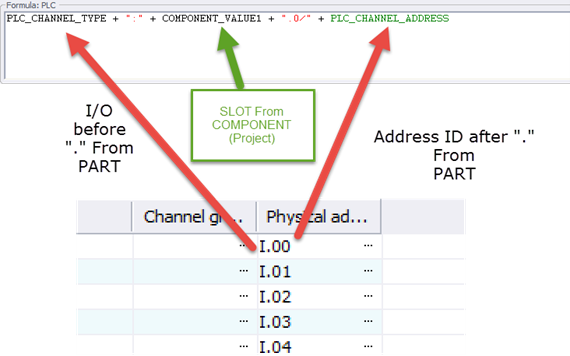
SOLIDWORKS Electrical Schematic users will find these instructions and advice useful when it comes to PLC addressing. We give clarity to PLC Addressing, PLC addition and documentation, and terminal addressing automation.
-
Using Flow Simulation & Fluid Dynamics for Rapid Design Iterations
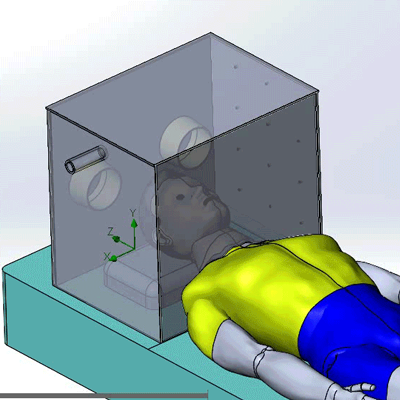
The ease and power of SOLIDWORKS Flow Simulation allows you to evaluate designs and perform several design iterations in just days, and with confidence. We successfully decreased the evaluation time for this Intubation Chamber from several minutes, to seconds.
-
Join the Dark Side with SOLIDWORKS Dark Mode Engaged
Strain from working with bright screens combined with white backgrounds can be a bit much. So, we offer you an alternative. Since SOLIDWORKS does not have an official complete ‘Dark Mode’ option, we can make a few tweaks to make it more aesthetically pleasing and easy on our eyes.
-
3DEXPERIENCE World 2021: GSC Earns Elite Award for 17th Consecutive Year
We’re honored to receive the Elite Club Award from Dassault Systèmes SOLIDWORKS for the 17th year in a row, as well as other company and individual awards recognizing our employees.
-
This Week is National Engineers Week – Sharing Stories for Beginners
Welcome to National Engineers Week 2021! All week, we’re celebrating the engineering profession and engineering career insights. And since it is eWeek, I’d like point out a few recent stories that we can share with budding engineers.
-
Common Causes of SOLIDWORKS File Corruptions
We dive into the most common causes of SOLIDWORKS files becoming corrupted. Get tips for troubleshooting and repairing the dreaded file corruption.
-
2021 Industry Predictions
A few things we think will stick for 2021, in another rather unpredictable year: working from home, the expansion of 3D printing, and a renewed focus on service quality.








SOLIDWORKS Webinars & Power Hours