Blog Filters:
-
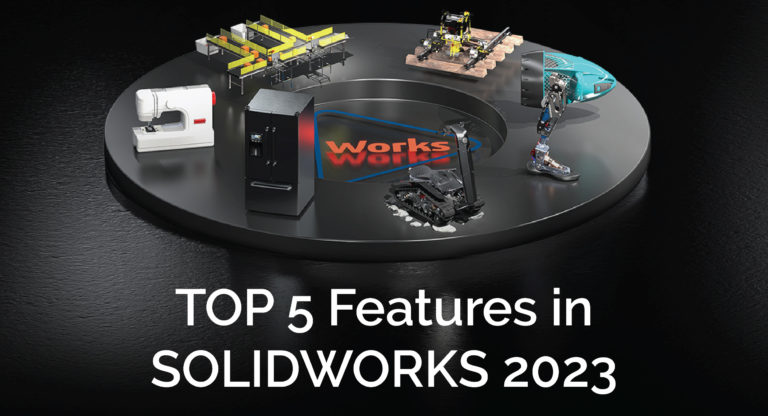
Top 5 New Features in SOLIDWORKS 2023
Check out these top 5 enhancements in SOLIDWORKS and 3DEXPERIENCE 2023.
-
Dynamic Analysis in SOLIDWORKS
Learn when SOLIDWORKS Dynamic analysis can be used to conduct linear or non-linear studies.
-
Markforged Composite Machine Service Checklist
Keep your Markforged composite 3D printers in top shape by performing these routine service maintenance tasks.
-
Capabilities of SOLIDWORKS Plastics
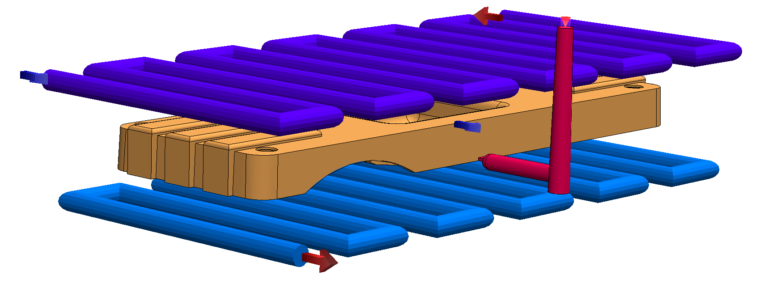
For companies that design plastic parts or injection molds, SOLIDWORKS Plastics can be used to simulate how melted plastic will flow through your design helping eliminate manufacturing defects.
-
What Is the Best CPU for SOLIDWORKS?
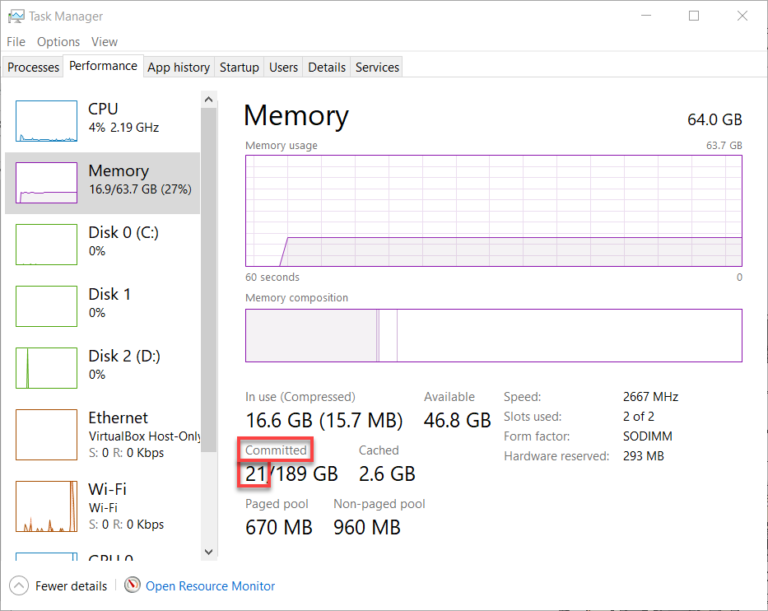
Let’s go through the 4 major components of a CAD workstation and the best hardware recommendations, one by one. That’s CPU, Graphics, RAM, and Disk insights. You can also download our SOLIDWORKS Hardware Recommendations doc to keep on hand!
-
Creating an Options File for SOLIDWORKS SNL Servers
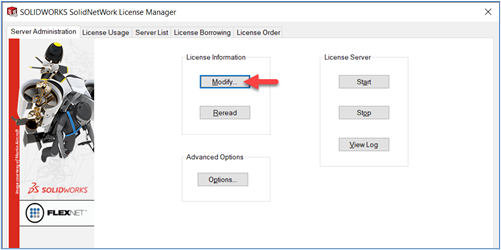
Did you know you can add rules to your network license manager to help control the usage of licenses? Learn everything you need to know to make use of an options file.
-
How to Create Custom Weld Symbols in SOLIDWORKS
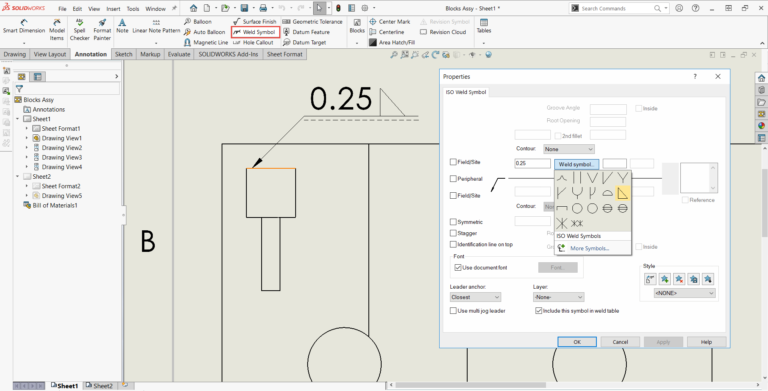
This guide will show you how to create and modify weldment symbols. This is useful when customizing and creating standards for your company.
-
How to Use a Shared Material Library In SOLIDWORKS
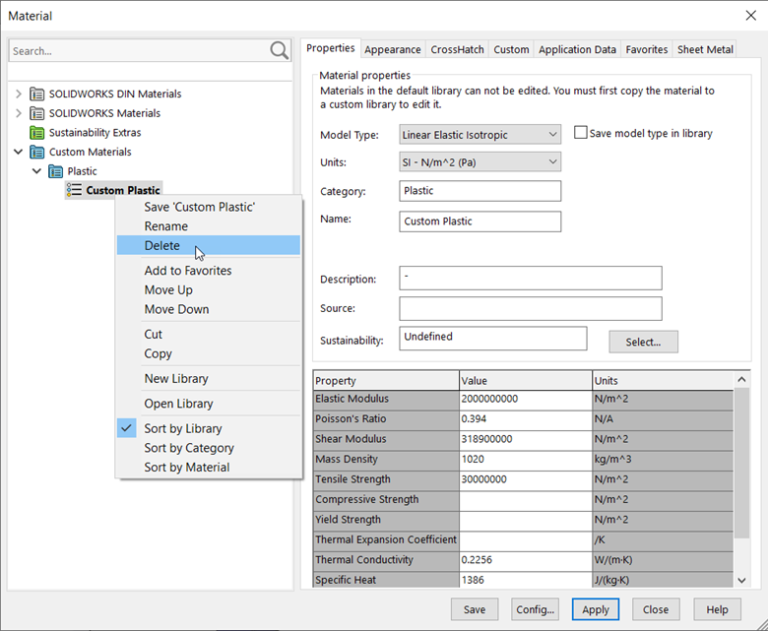
Wouldn’t it be nice if everyone on your team could use the same material library? Follow these simple steps, and you’ll have your own database used by your entire team.
-
How to Create and Use SOLIDWORKS PDM Templates
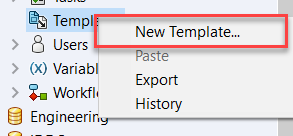
Right click new > folder, rinse and repeat. Does this sound like a process you’ve done hundreds of times for each project? Utilize PDM to create your folder structure and add common files that are used for a project. This blog will go over the basics of how to make and use PDM templates.
-
Software OpenGL Settings in SOLIDWORKS
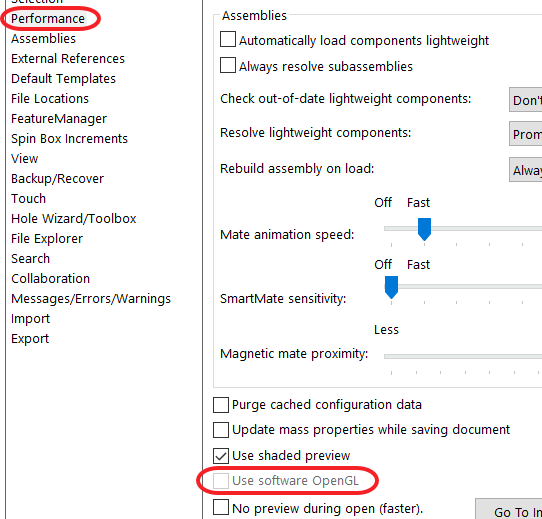
Software OpenGL is a SOLIDWORKS setting that will tell SOLIDWORKS to emulate OpenGL on its own without using graphics card driver’s OpenGL support. Learn why it exists.
-
Exporting SOLIDWORKS XR (Extended Reality)
Bring your CAD models to life! SOLIDWORKS XR creates an interactive experience and can put your designs in the palm of your hand.
-
How To Remove MOD-DIAM Display Error in SOLIDWORKS
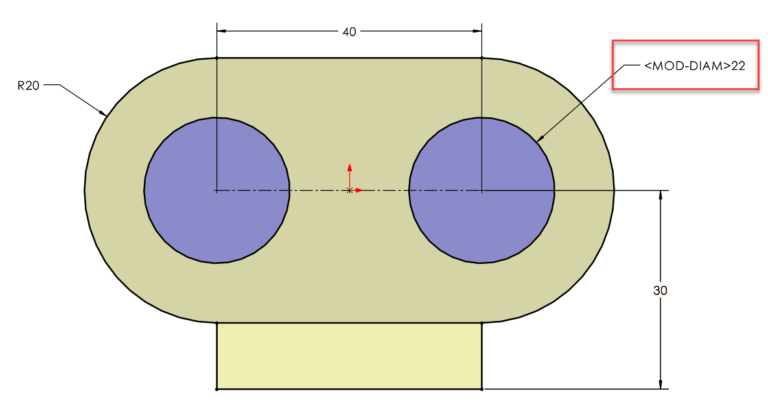
Did you launch SOLIDWORKS and find that the diameter symbol on your dimensions has been replaced by “MOD-DIAM”? Learn how to easily fix the issue and some advice that will keep it from happening in the future.
-
How to Create a Vault View in SOLIDWORKS PDM
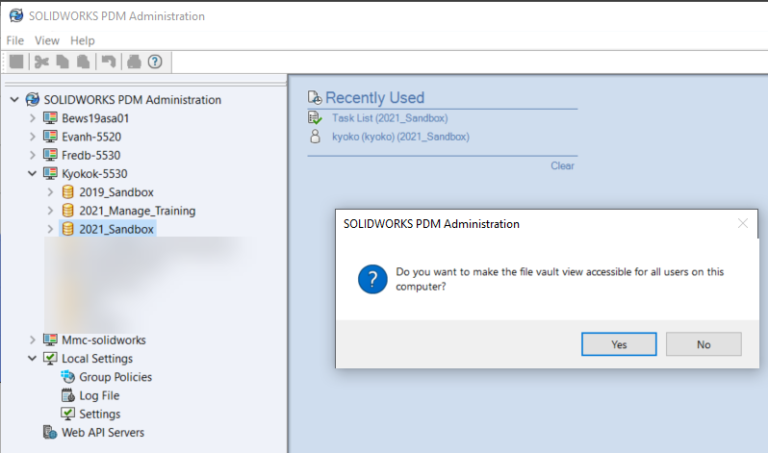
Creating a vault view should be as easy as 1, 2, 3! 1 – Have PDM installed and a vault to attach to. 2 – Knowing the machine you want the vault view on. 3 – Attach vault view for PDM access! Sometimes this is not the case and this blog will cover how to make a vault view and some of the most common issues when making one.
-
Move or Copy SOLIDWORKS PDM to a New Server
Backing up your PDM Vault database and archives is a standard best practice and can be scheduled with an automated maintenance plan. Restoring backups of server components should also be a regular recurrence. See what you should consider and how we can help!
-
SOLIDWORKS How-To: Using the Smart Dimension Tool When Sketching Arcs & Circles
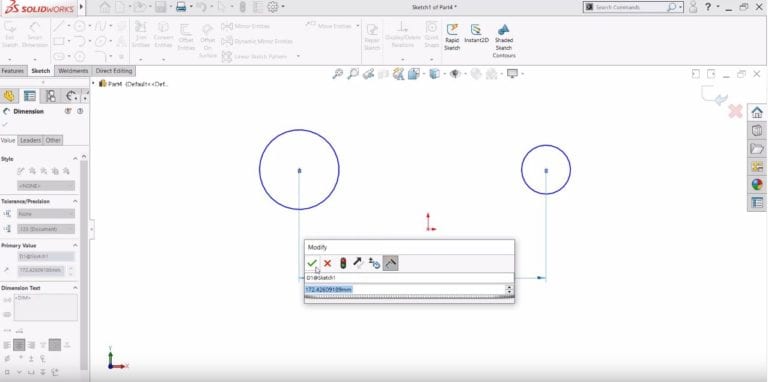
When you’re sketching in SOLIDWORKS and want to create a dimension, and you don’t want the dimension location to be a circle’s center, use the circumference!
-
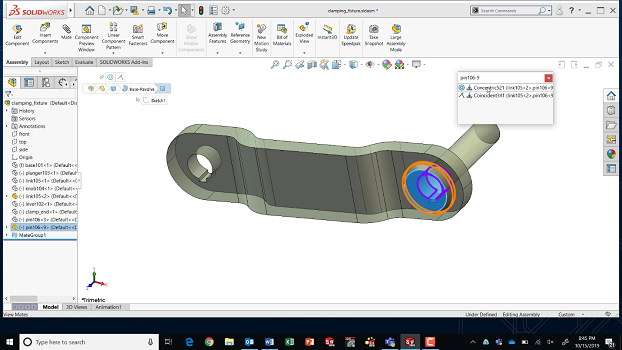
SOLIDWORKS How-To: Change a Component Color in a Drawing View
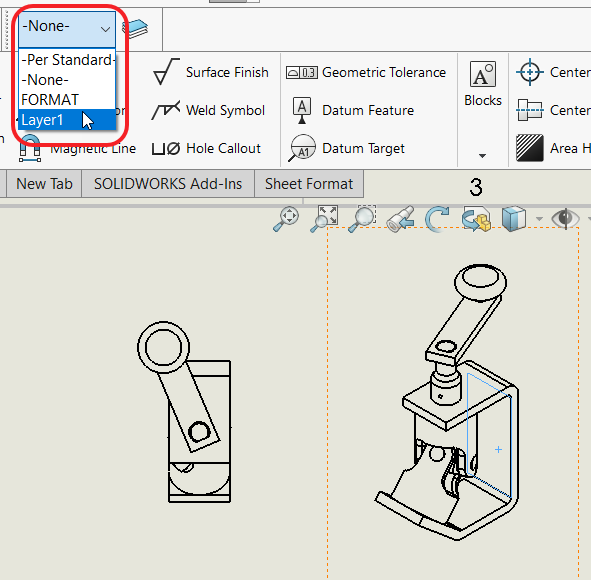
Walk through this how-to on changing a component color in a drawing.
-
SOLIDWORKS How-To: Copy & Mate by CTRL-Drag & Drop
It’s the little things that make a big difference. Learn this quick drag and drop trick to copy a component AND do SmartMates.
-
“Inclusion” with the SOLIDWORKS Electrical Viewer
Learn how the SOLIDWORKS Electrical Viewer can help leaders and other stakeholders within your organization have project development visibility.
-
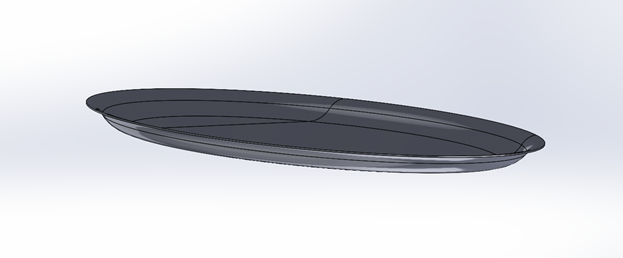
Analyzing a Membrane in SOLIDWORKS Simulation
Analyzing thin components in SOLIDWORKS Simulation may be difficult because they have an insignificant bending stiffness due to their thinness and behave like thin membranes. To analyze these types of…
-
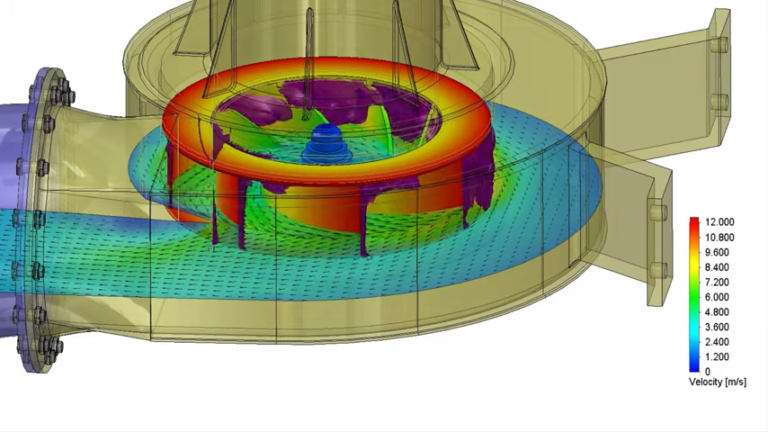
Lowering Cooling Costs with Computational Fluid Dynamics or SOLIDWORKS Flow Simulation
With the need to keep costs low during a period of inflation, the demand for SOLIDWORKS Flow Simulation has greatly increased. Learn how you can save money on your designs.
-
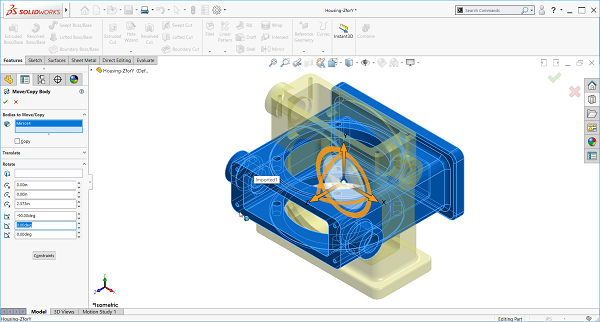
SOLIDWORKS How-To: Reorient an Imported Part
See how you can easily fix orientations on imported parts through the Move / Copy body function.
-
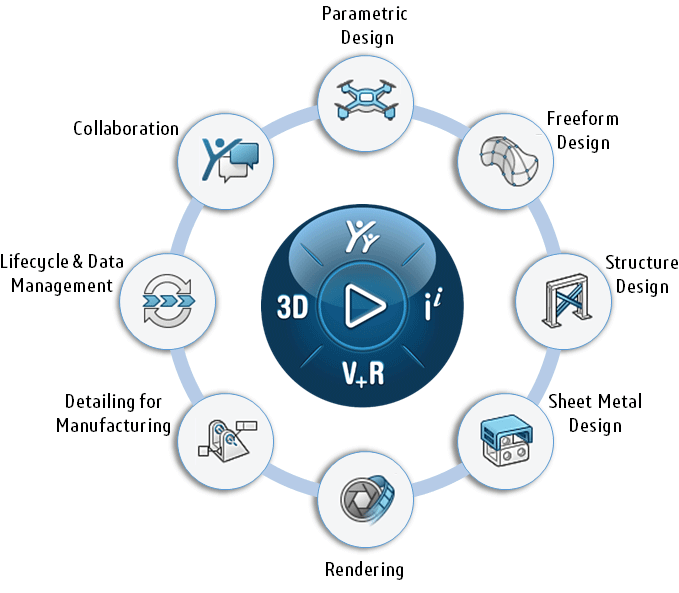
What is the SOLIDWORKS Cloud Offer?
The SOLIDWORKS Cloud Offer brings together 9 powerful next-generation design solutions running on the cloud-based 3DEXPERIENCE platform. Create designs, access data, or view on your laptop or tablet – all in a web browser.
-
Jump-Start Your SOLIDWORKS CAD Management
Establish the best practices for SOLIDWORKS use in your company. Learn everyday CAD management tasks, from troubleshooting software settings to mass installation.
-
Which SOLIDWORKS PDM License Type is Right for Me?
SOLIDWORKS PDM provides licenses that can extend specific permissions and capabilities to anyone who needs them, from the engineering team to customer service, accounting, and the shop floor. Learn how to keep your users aligned.


SOLIDWORKS Webinars & Power Hours