Blog Filters:
-
SOLIDWORKS 3D Interconnect: Seamless Collaboration Between CAD Platforms
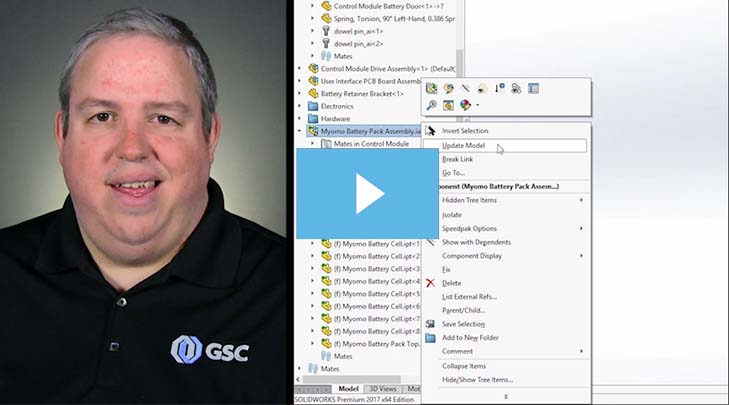
3D Interconnect is a revolutionary technology that allows a SOLIDWORKS user to directly open files and use models from other native CAD systems in their native format.
-
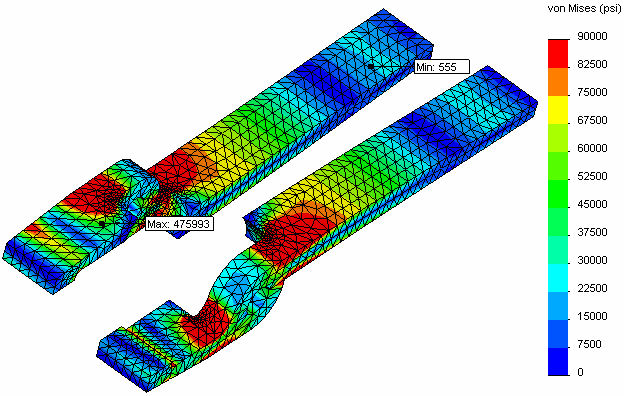
The General Process of Fatigue Analysis
Running a fatigue analysis is becoming a growing trend in mechanical parts and assemblies.
-
Removing Interfering Material In A SOLIDWORKS Assembly
From my product designer’s perspective, one of the most useful functions in a 3D solid modeler such as SOLIDWORKS is the ability to check for potential interferences in their still-virtual assembly.
-
Use SOLIDWORKS Align Sketch Tool to Move Underdefined Sketch Elements to the Origin
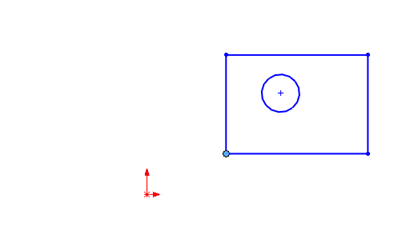
While production models should generally have fully defined sketches, sometimes you just want to make all the elements in an underdefined sketch move to the origin, such as when working with imported or copied geometry. There is an easy way to do this in SOLIDWORKS, you just have to know where to look.
-
SOLIDWORKS Electrical Time Savers
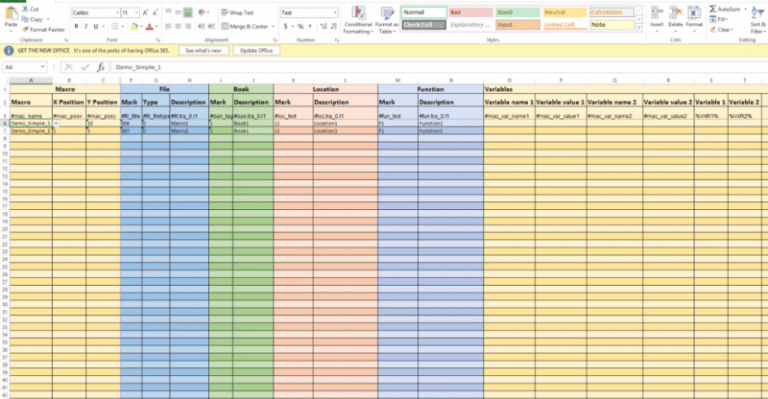
These SOLIDWORKS Electrical tips will save you time over the long haul.
-
SOLIDWORKS Electrical: The Ins & Outs of Connection Labels
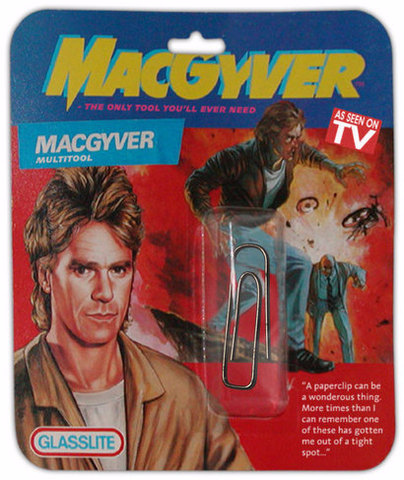
SOLIDWORKS Electrical Connection Labels may just make you feel a little more like MacGyver. That is, if he had access to a Swiss Army knife instead of a wad of gum and a paper clip.
-
SOLIDWORKS: Installation Manager Cannot Find Required Source Files
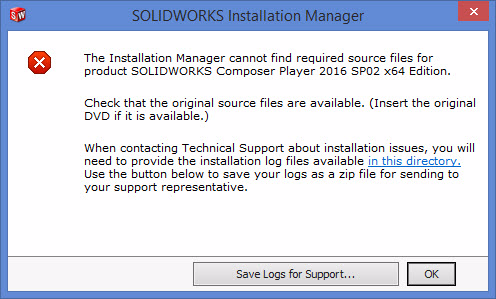
A common hurdle to a repair or update of the SOLIDWORKS application is a failure of the Installation manager to locate the source files that were used to install the application.
-
How to Use Meshing in SOLIDWORKS Flow Simulation – Part 4
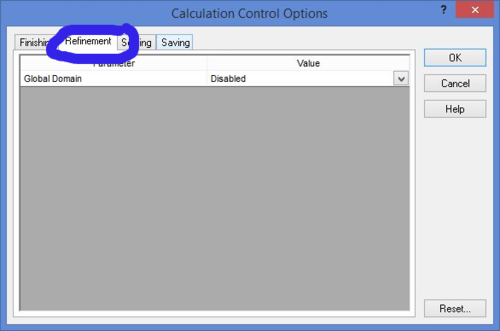
Let’s talk about how to use adaptive mesh in Part 4 of our SOLIDWORKS Flow Simulation series.
-
How to Use Meshing in SOLIDWORKS Flow Simulation – Part 3
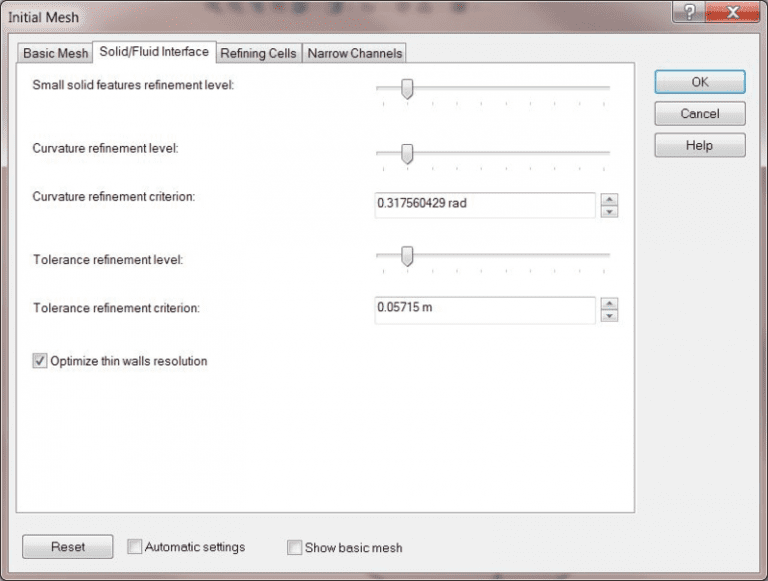
Let’s talk about how to use initial mesh in Part 3 of our SOLIDWORKS Flow Simulation series.
-
How to Use Meshing in SOLIDWORKS Flow Simulation – Part 2
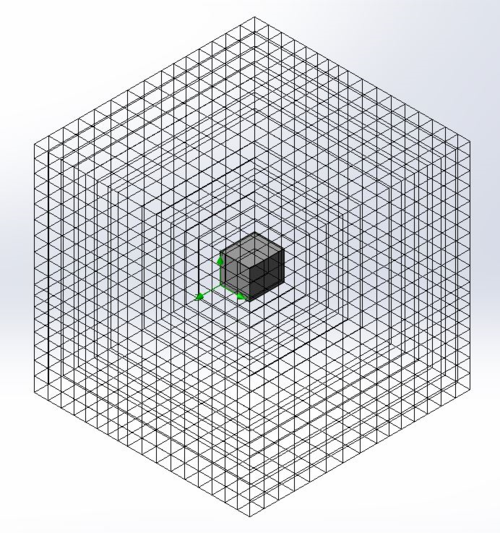
Let’s talk about how to use basic mesh in Part 2 of our SOLIDWORKS Flow Simulations series.
-
SOLIDWORKS Shortcut Bar Quick Tip: Adding Feature Tools to Your Sketch Shortcut Bar
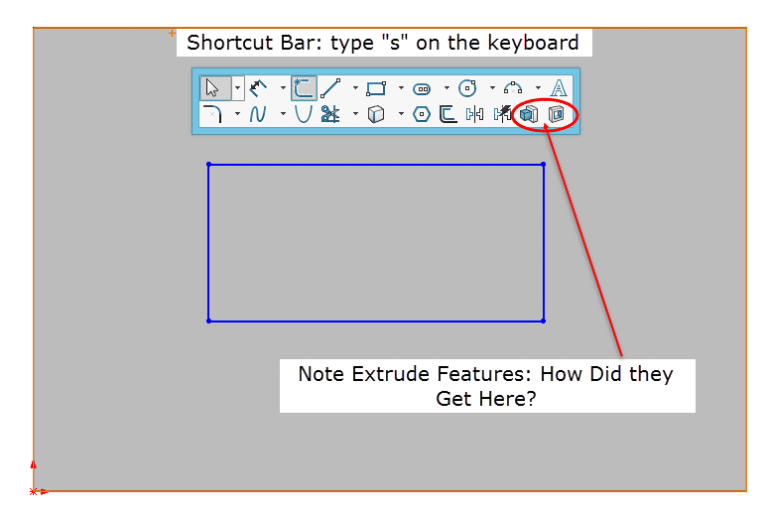
Here’s a quick tip to help you customize your SOLIDWORKS Sketch Shortcut Bar with tools outside of the normal grouping.
-
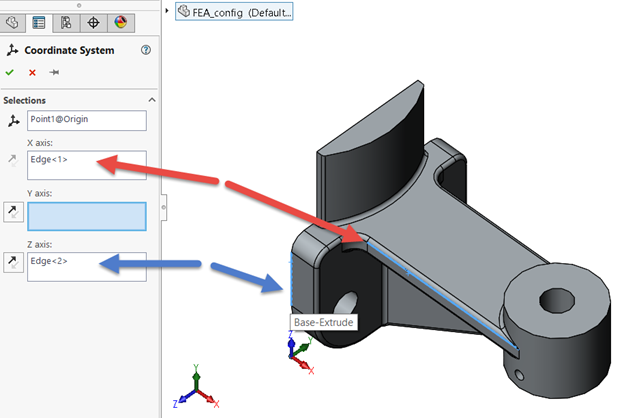
How to Export Using a Custom Coordinate System in SOLIDWORKS
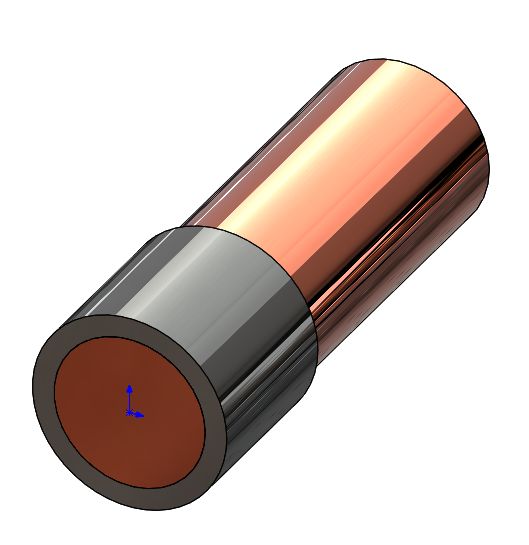
CAD systems like SOLIDWORKS and CAM systems use different directions for defining coordinate systems. The result is, when a model is exported from SOLIDWORKS and imported to a CAM system, the model comes up in the CAM system in the “wrong” orientation. The good news is there’s a simple fix!
-
How to Use Meshing in SOLIDWORKS Flow Simulation – Part 1
Welcome to Part 1 of our four-part SOLIDWORKS Flow Simulation series! In Part 1, we’ll take a closer look at the basics and stages of Flow Simulation.
SOLIDWORKS Webinars & Power Hours