Blog Filters:
-
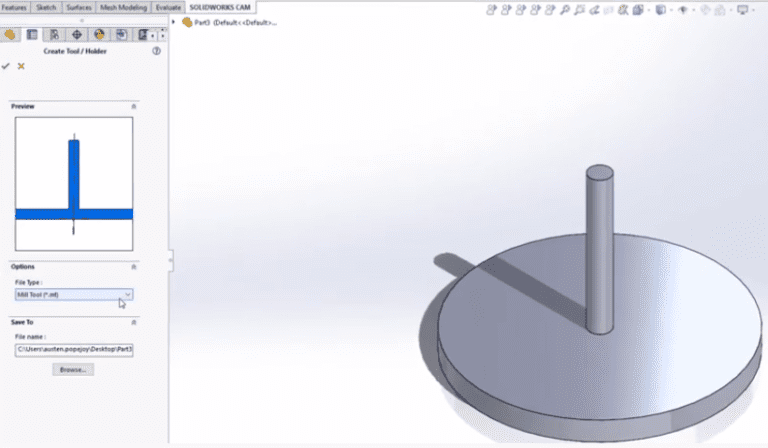
Creating a Custom Tool within SOLIDWORKS CAM or CAMWorks
Learn how to create a custom tool within either SOLIDWORKS CAM or CAMWORKS. You’ll start with a SOLIDWORKS part with a single revolve feature.
-
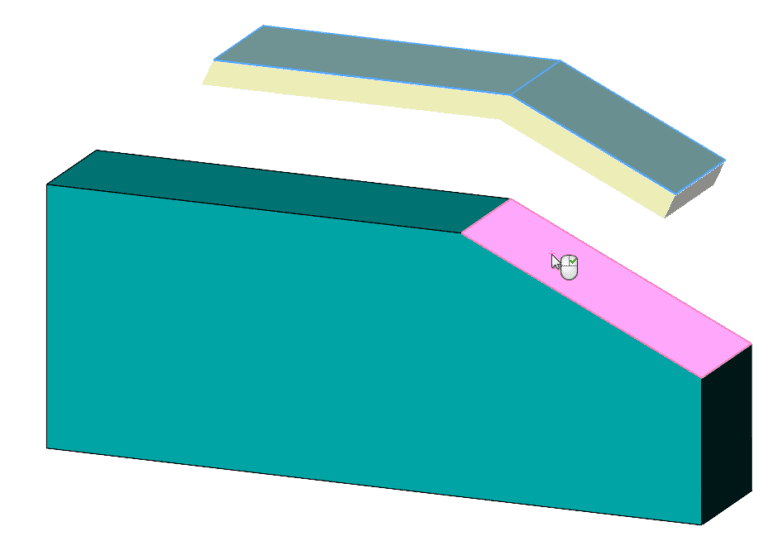
Addition to Thicken Command in SOLIDWORKS 2020: Defining Thicken Direction
SOLIDWORKS 2020 adds a very nice option to a favorite surface-to-solid tool, Thicken. We can now specify a direction vector, which gives us more power!
-
Installing SOLIDWORKS
We’ve found that situation-specific SOLIDWORKS Installation descriptions are very helpful to users. We’ve created a series of installation guides with step-by-step screenshots and instructions for your use.
-
How to Have an Additive Approach: Getting Started with Discovering 3D Printing Applications
The secret to a successful additive approach contains the following ingredients: use additive experts, set clear expectations, and ideate with additive’s strengths in mind.
-
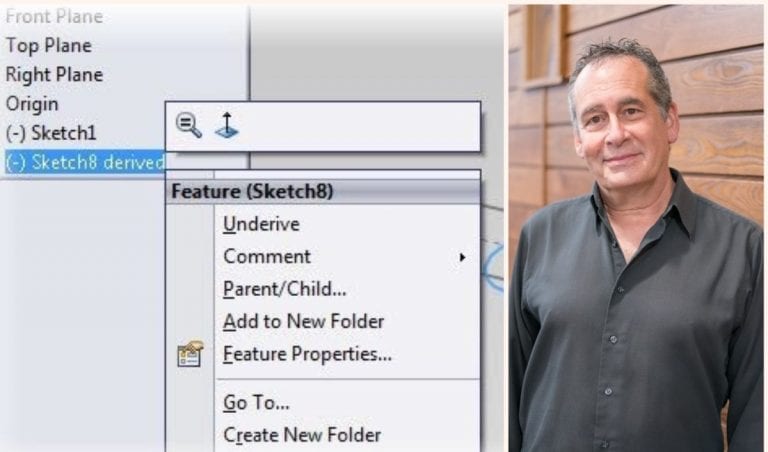
Back to the Basics of Copying & Deriving Sketches: Sol & Sal Tutorial
How fast are you at reusing your sketch geometry? Or ensuring copied sketches update when the original changes? Learn quick tips on copying and deriving SOLIDWORKS Sketches in our tutorial.
-
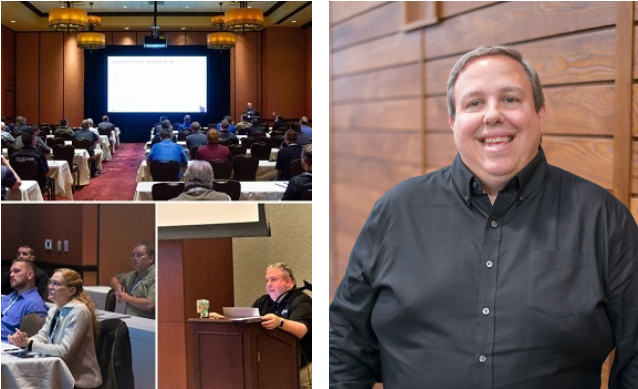
Celebrating 25 Years at GSC: Our Q&A with Training Manager John Setzer
John has celebrated 25 years with GSC this May. In turn, we wanted to celebrate John – with a Q&A around SOLIDWORKS, Training, and more.
-
Part 2: Midwest Companies Raise the Bar as COVID-19 PPE Demand Continues
With demand continuing to be high for PPE, hospital beds, cleaning supplies, safe retail experiences, and more, our GSC customers continue to raise the bar with rapid manufacturing of these products, many with generous donations to area hospitals.
-
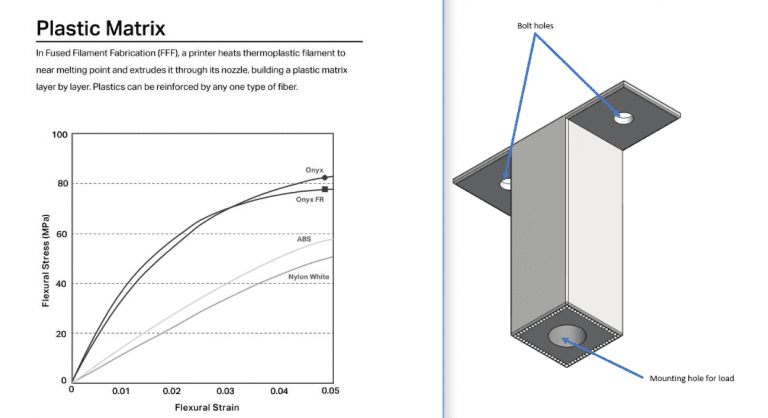
How to Estimate the Strength of a 3D Composite Part – Markforged Design Series Part 1
Read part 1 in this design series by our specialist who dives into Markforged 3D composite parts and strength analysis.
-
“We Reduced Costs by 90%” Learn How GSC Customer Johnson Level Saved on Tooling Costs with Markforged 3D Printing
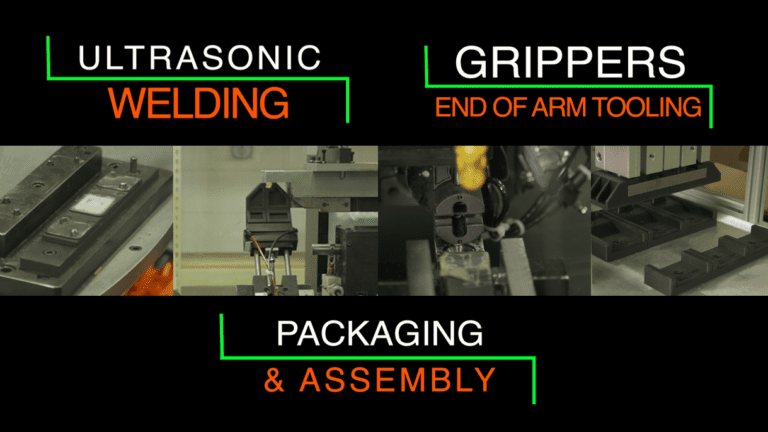
Whether for ultrasonic welding, end of arm tooling, or packaging and assembly, Johnson Level has saved tremendously with multiple applications for their Markforged composite 3D printer.
-
SOLIDWORKS Electrical Snapshots: Back to the Future
Have you uncovered the convenient snapshots you can take in your SOLIDWORKS Electrical Project? Test new features, capture revisions, or archive project states.
-
“We Needed Masks” – GSC 3D Prints Hundreds of Parts for Milwaukee Police Protective Masks with HP Technology
The Milwaukee Police department needed mask filters, fast. GSC, Milwaukee Tool, and Bradley Corp collaborated with Detective Eric Draeger to 3D print a solution with HP’s unique technology.
-
Shadowing & Shininess Secrets in SOLIDWORKS Composer: Sol & Sal Tutorial
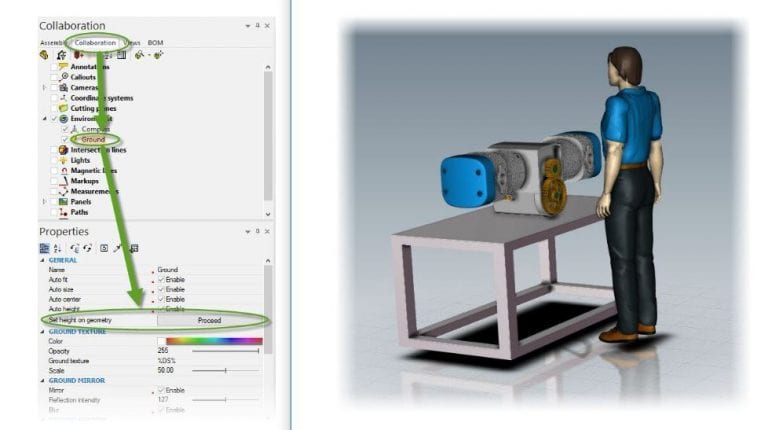
Do you know how to control shadows or shiny finishes of your SOLIDWORKS Composer renderings? Learn how.
-
In Time of Need Midwest Companies are Stepping Up to Combat COVID-19
Quick-thinking Wisconsin and Illinois manufacturing companies are providing ventilators, face masks, tests, and cleaning supplies when we need them the most.
-
Powerful STL Editing Software – Materialise Magics
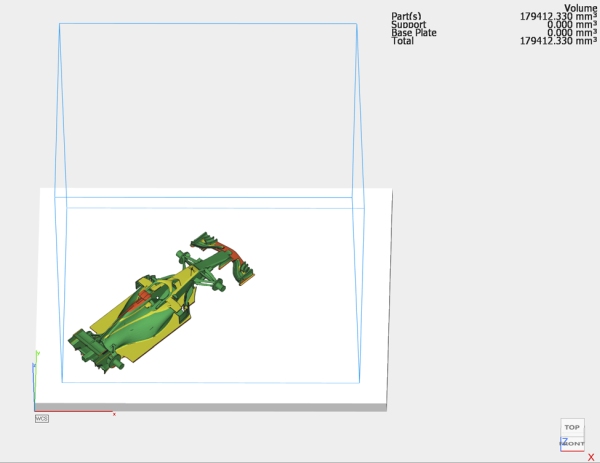
Materialise Magics is a powerful editing tool that allows users to perform complicated STL operations with ease, such as booleans, lattices, and perforations.
-
Using SOLIDWORKS at Home
Learn the available SOLIDWORKS access options when working from home and using standalone or network licensing.
-
GSC’s Interim Support, Guest & Training Policies
We’ve updated our visitation policies and moved as much training online as we can for the health and safety of our community.
-
Shading in SOLIDWORKS Composer: Sol & Sal Tutorial
Have you thought about having different appearances on different parts in your model? Learn a quick tip on custom rendering.
-
Expand Your Skills with SOLIDWORKS Essentials & Additional Training Classes
I learned everything from basic part construction – including chamfers, ribbing, and patterns – to rendering and the Hole Wizard. SOLIDWORKS Essentials helped me create assemblies, bill of materials, and drawings.
-
Leading at 19: Danielle Boyer’s STEAM Connection
How do you make STEAM education accessible and affordable for all kids? For young innovators such as Danielle Boyer, it means giving every kid a robot. Learn more.
-
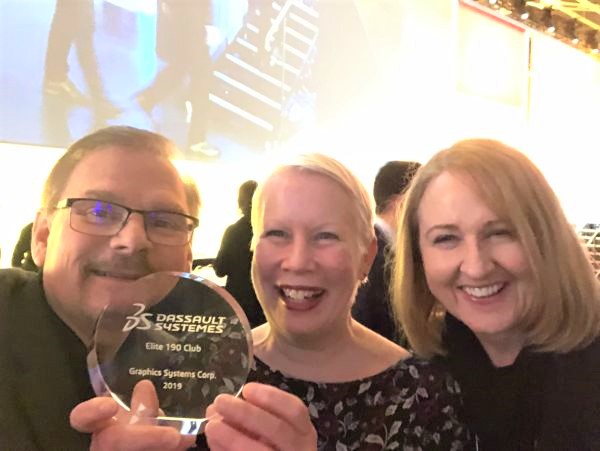
3DEXPERIENCE World 2020: GSC Earns Elite Award for 16th Consecutive Year
We’re honored to receive this Elite Club Award from Dassault Systèmes SOLIDWORKS for the 16th year in a row. Read our highlights of the 3DEXPERIENCE Conference, as well!
-
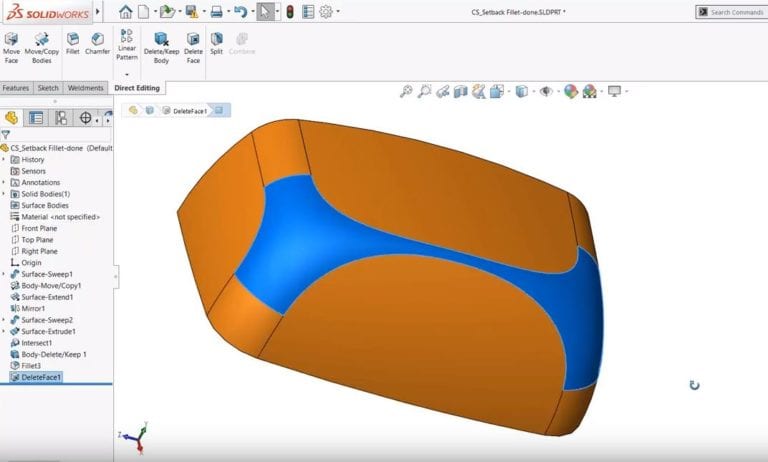
SOLIDWORKS Tech Tip on Delete Face: Move a Face From a Surface Body
Learn how to easily delete a face from a solid or surface body when modeling in SOLIDWORKS.
-
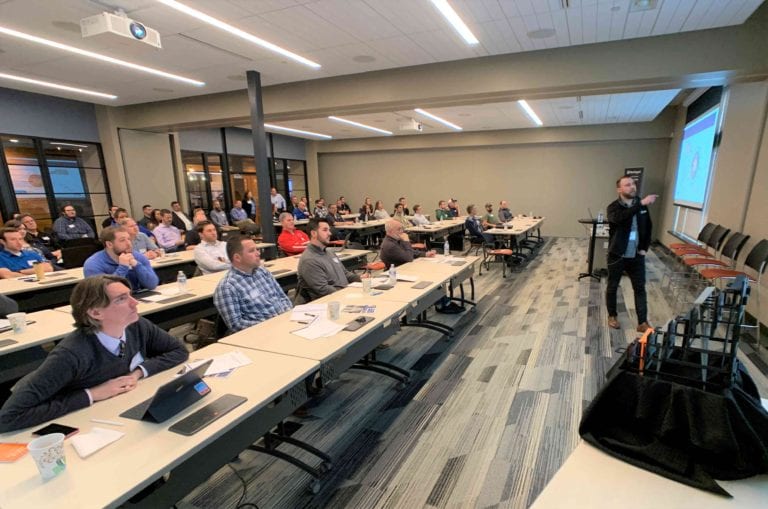
Underrated Composites & Slam Dunk Applications: 3D Printing Event Recap
Markforged and HP 3D Printing Mini Series’ offer valuable experiences to educate on applications for your production line and on the advantages of different materials.
-
CAD User Interfaces & AI
What would it be like for your CAD interface to intuitively adapt to you as you worked?
-
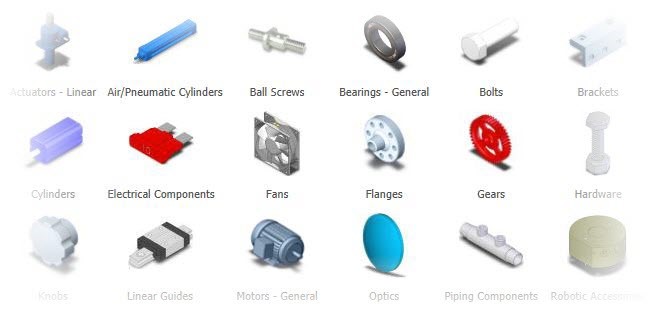
Transactive Memory & 3D Content Central
How do your teams curate their knowledge? Read this quick dive into transactive memory and some free SOLIDWORKS resources they should be using.









SOLIDWORKS Webinars & Power Hours