Blog Filters:
-
SOLIDWORKS or Autodesk Inventor? 6 Key Reasons To Favor SOLIDWORKS
As a SOLIDWORKS provider with staff experience in Autodesk Inventor, we took a look at comparing the software. There are key benefits to choosing SOLIDWORKS – learn our top 6.
-
3D Printing a Playable Cello: How UWM Student Maddie Frank Sees Additive
We value the connections we make in our local community, and are excited to introduce Maddie Frank as a new collaborator. We’ll be exploring everything additive – from inventive, out-of-the-box projects, to testing new technologies. Read on for more.
-
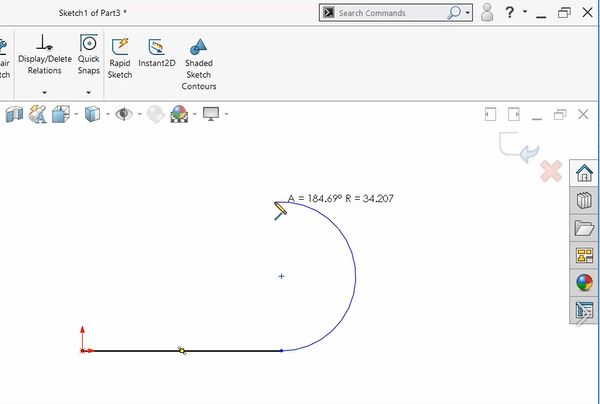
SOLIDWORKS How-To: Autotransition & Create Geometry in CAD, Fast
Draw more shapes than you thought possible in CAD simply by using mouse movements and the “A” key where necessary!
-
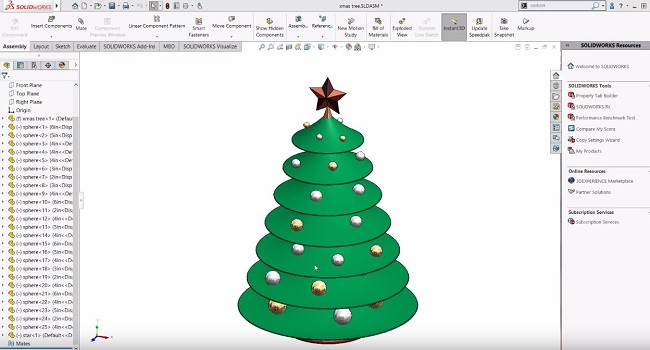
10 SOLIDWORKS Modeling Tips for the Holidays
Watch this quick holiday video showing 10 SOLIDWORKS modeling tips!
-
GSC Serve Day: An Opportunity to Give Back
Serve Days are a chance for us to serve and invest in our communities. Read 3 of our employees’ stories from the last year.
-
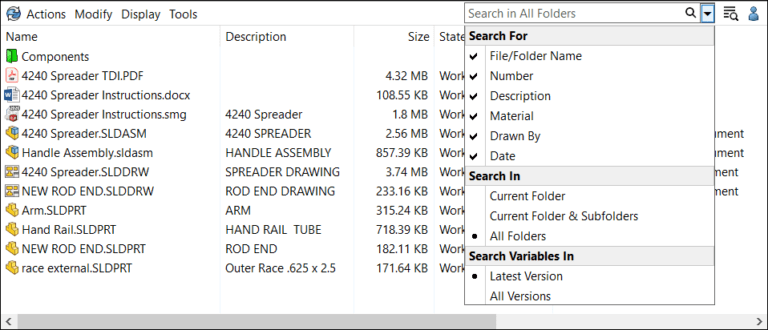
The Finer Points of the New Quick Search in SOLIDWORKS PDM
An exciting new feature in SOLIDWORKS 2020 is the ability for the user to conduct a “Google-like” search in PDM across multiple metadata fields. Learn more.
-
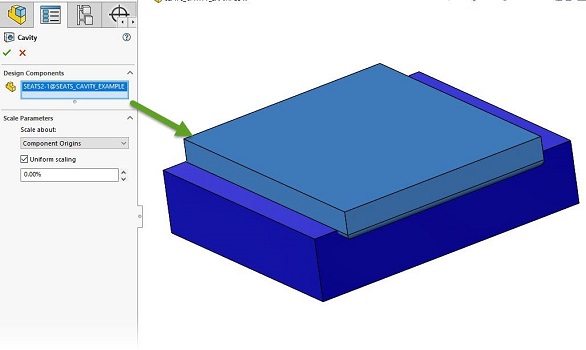
Drilling Into the SOLIDWORKS Cavity Command
Have you ever had to create a relief on a part in an assembly, based on the shape of a neighboring part?
-
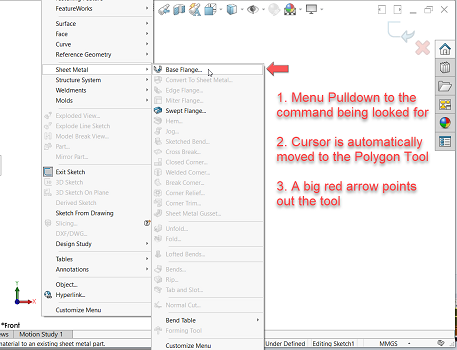
Using SOLIDWORKS Command Search: Finding Useful or New Commands
Find commands in SOLIDWORKS you may have forgotten, or learn about a particular command you’ve never even used before – all through search.
-
We’re Headed to Illinois: SOLIDWORKS 2020 Premieres Continue
What do our SOLIDWORKS 2020 Premieres entail? Find out by visiting us next week in Illinois.
-
“Ask Me Anything”: Presenting at Engineer 3D!
Find out John’s take on presenting sessions for the SOLIDWORKS community at Engineer 3D!
-
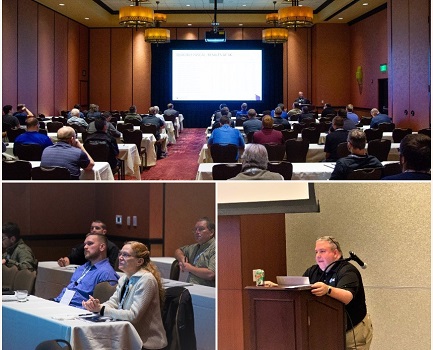
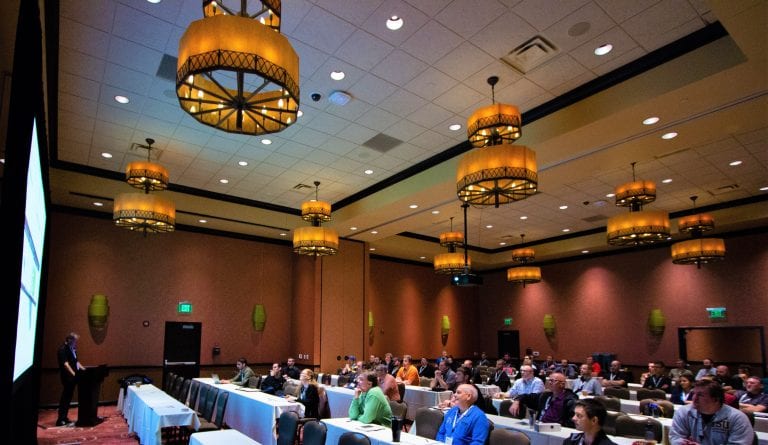
Celebrating Success: Engineer 3D! 2019
Last week we wrapped up our conference, Engineer 3D! Miss our event, or want to reminisce? We’ve provided a highlight reel to cap off our biennial event.
-
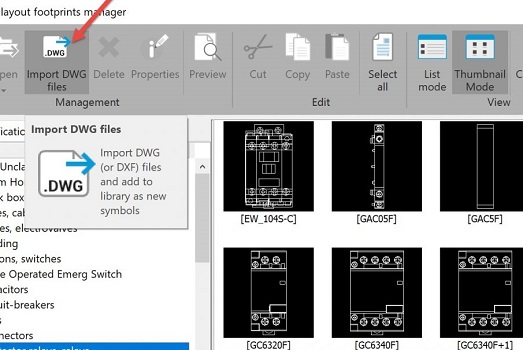
Building Up Your 2D Layout Library in SOLIDWORKS Electrical – Part 2
Now that you’ve learned benefits of using 2D Cabinet Layouts, expertly build your library following these recommended practices.
-
SOLIDWORKS 2020 – A Few Of My Favorite Things
SOLIDWORKS 2020 is rolling out soon, and there’s so much great new stuff, it’s hard to pick just 5 favorite new things.
-
Understanding 2D Cabinet Layouts in SOLIDWORKS Electrical – Part 1
Get the most out of the 2D Cabinet Layout feature in SOLIDWORKS Electrical!
-
Design Analysis – Simulation Training Track at E3D!
Curious about the benefits of design analysis and testing? Take our sessions on SOLIDWORKS Simulation and Simulia at E3D!
-
Is Your SOLIDWORKS User Set Up for Success? (A Guide to Assessments)
How well do you understand your employees’ abilities in SOLIDWORKS? If they could be working more efficiently, consider using our productivity assessments.
-
Top 10 Sessions Not to Miss at Engineer 3D! Conference
We’ve compiled our Top 10 Sessions you don’t want to miss at our upcoming E3D! training conference. Take a look!
-
DraftSight 2019 – Excellent 2D Drafting & 3D Design
Find new capabilities available such as image vectorization technology (IVT), an integration with 3DEXPERIENCE, cross-functionality with 3D CAD and Simulation, and more.
-
Top 10 Questions to Ask When Investigating SOLIDWORKS Electrical Schematic
Can you answer these 10 questions without hesitating? Find out simple reasons why GSC + SOLIDWORKS Electrical Schematic checks the box on functionality, training, and ease-of-use.
-
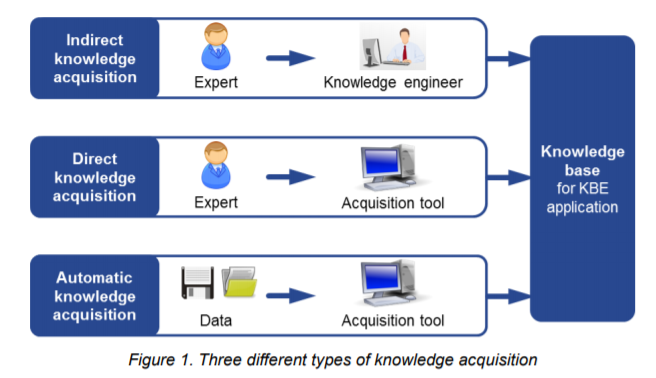
Knowledge Based Engineering: Knowledge Acquisition & The Acquisition Tool
Welcome to the “Knowledge Age,” where companies need to learn how to harness their intellectual capital to retain competitiveness in the marketplace. Let’s explore what this means.
-
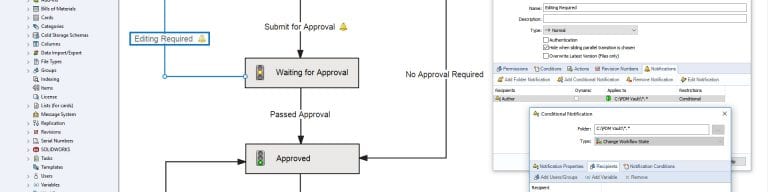
SOLIDWORKS PDM – Vault Design for Save As & Copy Tree Optimization
PDM vaults can have the same metadata clearing behavior whether Save As or Copy Tree is used, but ultimately, setup and training are the best ways to ensure vault consistency.
-
“Simulation Is Too Expensive For My Organization!” – How It’s Not, Based on ROI
Those looking at purchasing Simulation software are often dissuaded by the initial price tag, which misses the benefit. First, calculate your ROI.
-
Testing SOLIDWORKS 2019 Large-Assembly Performance On Real-World Hardware
New technologies in SOLIDWORKS 2019 make working with large assemblies and complex parts faster than ever before.
-
8 Reasons You’re Denying Yourself Better ECAD Software
It takes perspective to know when you could be working smarter, not harder. With the right partner, you can strategically transition to a better ECAD system.








SOLIDWORKS Webinars & Power Hours