Blog Filters:
-
Recap of CAMWorks 2019 Global Partner Summit
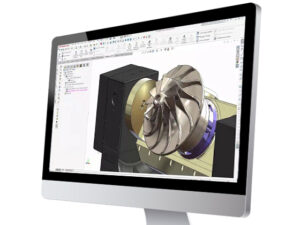
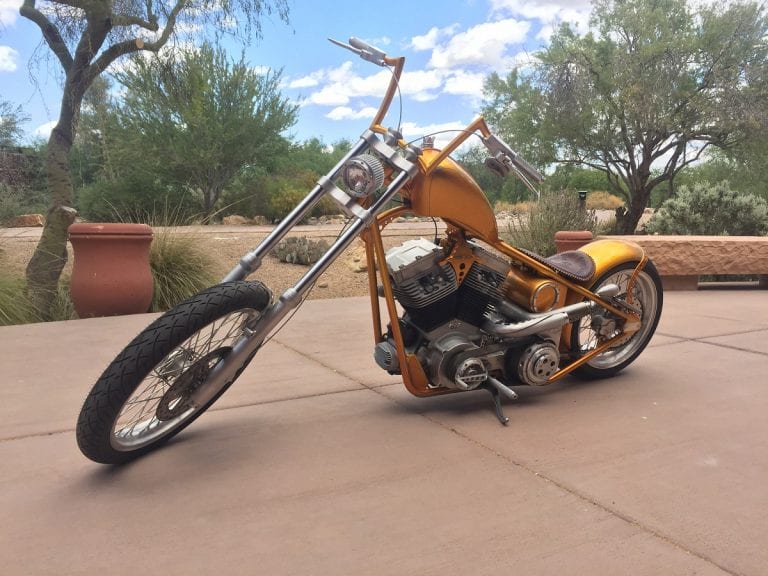
Highlights of this year’s conference included CAMWorks solutions ShopFloor and Additive; Eureka Virtual Machine Simulation; and of course, Paul Yaffe Motorcycles.
-
Proper Engineering Practices & Data Management
Having a workflow for engineering documents to travel through in their life cycle is not only efficient, but convenient.
-
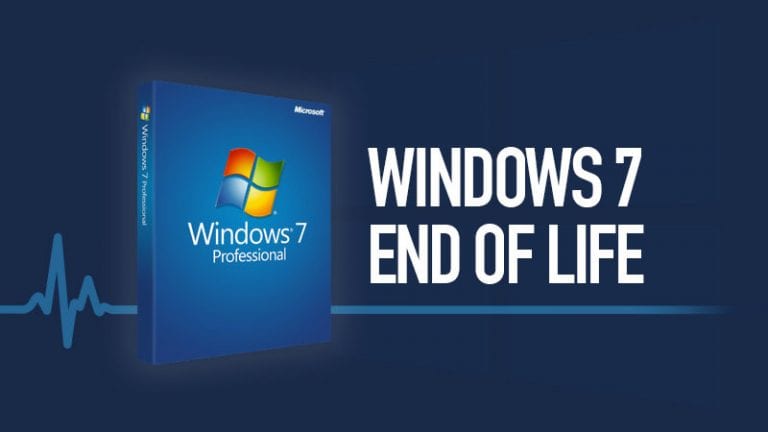
SOLIDWORKS & The End Of Windows 7
SOLIDWORKS has long supported Windows 7, but now it’s time to upgrade to Windows 10. Here’s why.
-
Design Automation – What, How & Why?
Free up design engineers from repetitive, monotonous tasks and elevate product quality at the same time. DriveWorks provides this and more.
-
I Hired a New Grad! Now What? Find Top 3 Ways to Train & Retain
Your new employee won’t stay long without investment from you. Find some of our insights on how to best train, and therefore retain, new grads.
-
GSC Technical Support Staff Aids FIRST Robotics Team to Success
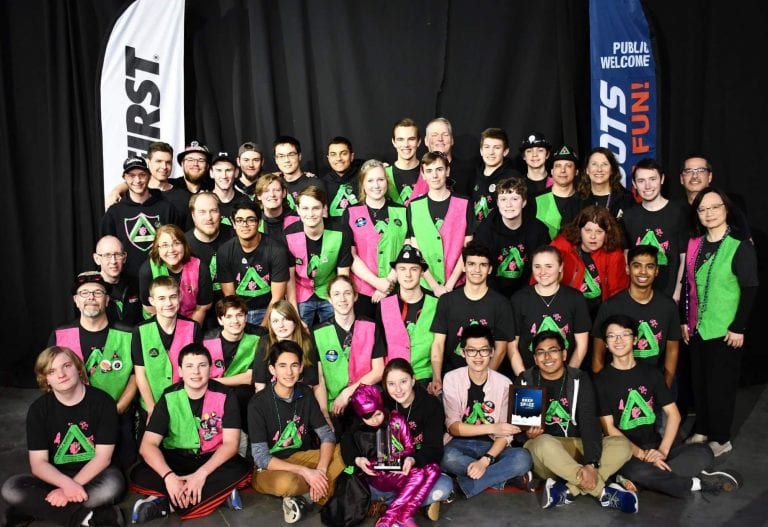
Our Technical Support staff Evan Hicks doubles as the CAD mentor for Pewaukee’s Robotics Team 1259. The team recently won the Wisconsin Regional at the end of March, competing against 54 other teams!
-
Turn Tooling on Its Head With 3D Printing
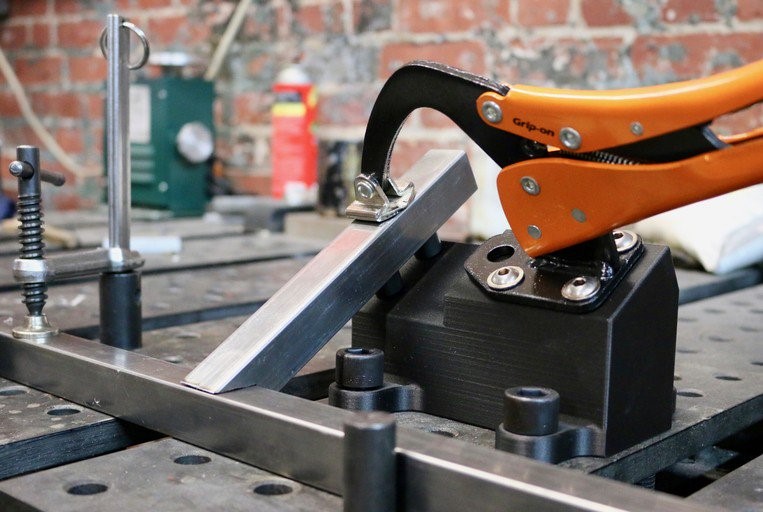
Advances in high-strength 3D printing have brought impressive solutions to the factory floor. Do you know the top ways to save with this tech?
-
SOLIDWORKS Electrical Spring Training Series: Part 6
Let’s see how SOLIDWORKS Electrical lets you pick what players in the game (…or in the project) make it to the finish – in our final reporting.
-
3 Reasons to Get New Employees in SOLIDWORKS Training
Technical training in 3D software is a must in the onboarding process of Designers and Mechanical Engineers, no matter the experience level. Here are 3 reasons why.
-
SOLIDWORKS Electrical Spring Training Series: Part 5
The deciding moments of a game are especially strategic. Managers do everything they can to give their team the best chance to win. Similarly, SOLIDWORKS Electrical enables you to make last minute changes on the fly and get your design lineup laid out perfectly through Edit Attributes.
-
SOLIDWORKS Electrical Spring Training Series: Part 4
Learn how to make your choice of one-time or permanent symbols through the black box feature. Much like having a skilled veteran player up your sleeve, we can retain these permanent players to your roster for wins, wins, and more wins.
-
SOLIDWORKS Electrical Spring Training Series: Part 3
In baseball, every collectible piece of information is tallied and accounted for. The same is true in your SWE project – as a comprehensive database program, master your Component Numbers and make better decisions because of it.
-
SOLIDWORKS Electrical Spring Training Series: Part 2
Find more Electrical tips and tricks! Like pitch framing in baseball, we have a little adjustment you can do to the wipeout frames in your library of footprints, giving you the control you need to knock out another design.
-
SOLIDWORKS Electrical Spring Training Series: Part 1
Welcome to GSC’s SOLIDWORKS Electrical Spring Training! Spring is in the air…not actually in the arctic-tinged air where another groundhog prediction of 2 weeks of spring was woefully inaccurate (a foot of…
-
Access Insightful Sessions at Engineer 3D! Training + Technology Conference
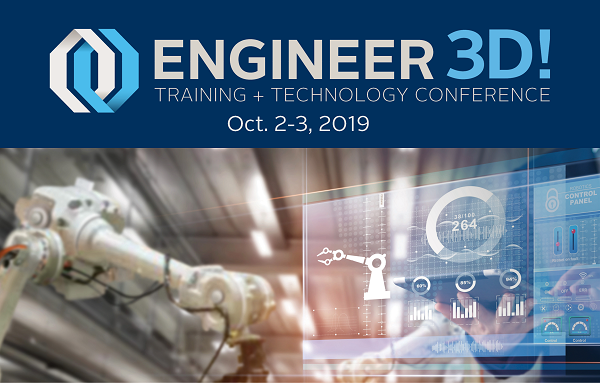
GSC will hold its biennial Engineer 3D! Training + Technology Conference on October 2-3, 2019, at the Potawatomi Hotel and Casino in Milwaukee, WI.
-
White Paper: Welcome Electrical Users to SOLIDWORKS Schematics
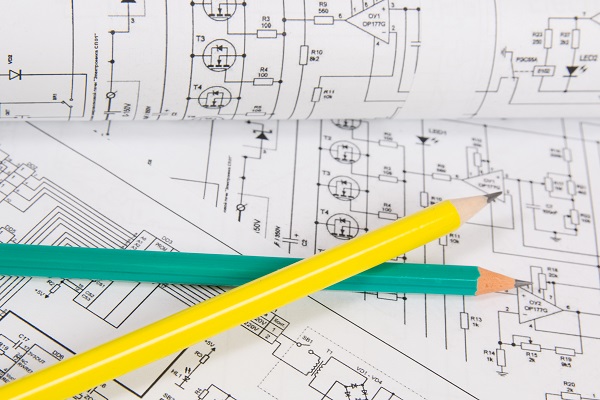
What makes SOLIDWORKS Electrical technology unique on the market? Learn about its unified, collaborative, and cross-functional capabilities today.
-
“We Want Metal!” – Markforged’s Metal X Printers
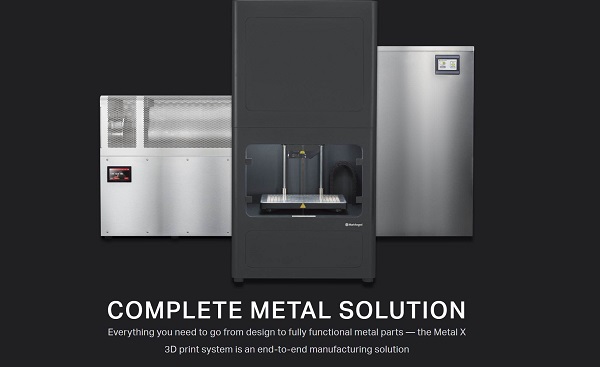
Gain the ability to 3D print your parts, fixtures, tooling, and whatever else you can conceive, in real metal.
-
CAMP 3D! Summer Fun for Kids – Dates Released
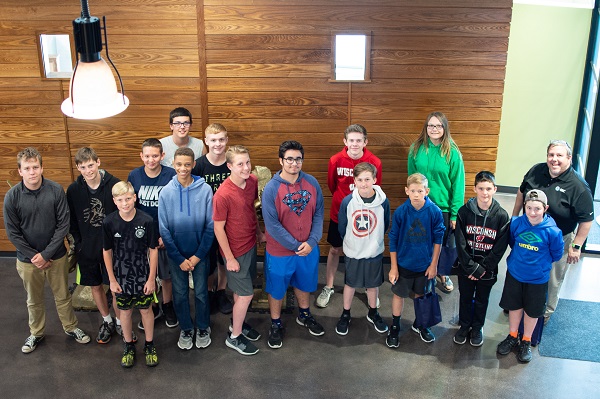
Our CAMP 3D! planning is underway! Find dates and activities for the middle school and high school programs.
-
SOLIDWORKS How-To: Copy a Part Using Virtual Component
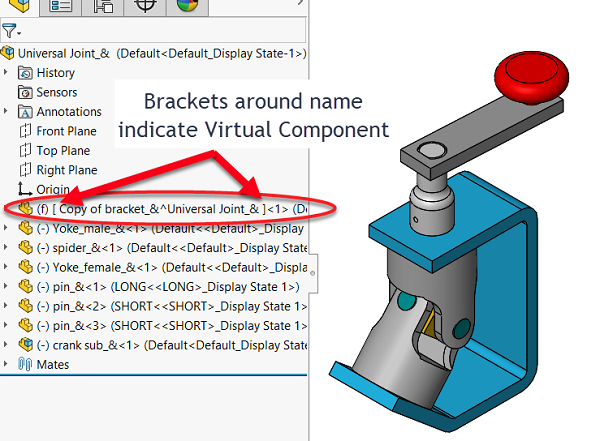
When you want to modify a part, but you want to change a copy and not the original, use a virtual part. Learn how.
-
Embracing Intelligent Schematics for Electrical Design
There are amazing benefits to implementing intelligent schematics for electrical design. Do you know them? What’s the cost of not knowing?
-
Fuel Your Design Inspiration – Design Quotes Part II
What drives you? Often, we’re driven by the desire to create something better, or something entirely new. Here are some favorite design quotes to fuel that fire.
-
Online Training: Everything You Need to Know
You might have a few questions about our new online training! Here’s everything you need to know before registering for a session.
-
Looking Back: GSC’s Top 3 Wins of 2018
Reflect back on the year with us as we take stock of our top accomplishments.
-
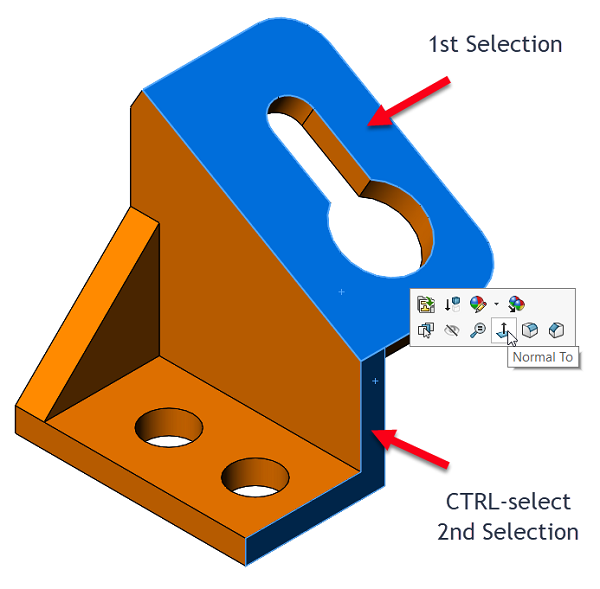
SOLIDWORKS How-To: Normal To Orientation Trick
Do you know how to orient a model normal to a face but not have the view orientation use default “Y” orientation?












SOLIDWORKS Webinars & Power Hours