Blog Filters:
-
Say Goodbye to Import Diagnostics with SOLIDWORKS 2018
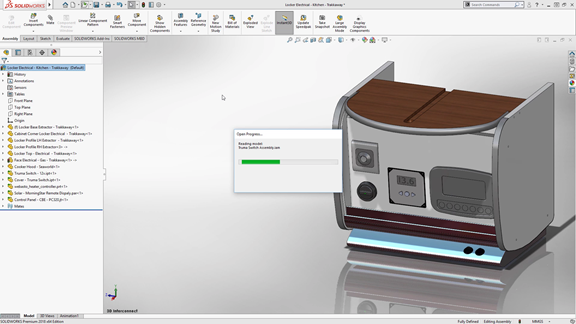
SOLIDWORKS 2018 is loaded with awesome new features, including improvements to its popular 3D Interconnect functionality.
-
SOLIDWORKS 2018 is Here! See the New Features
From a more intuitive user interface to improved sheet metal design tools, many of the new enhancements and improvements were added based on your requests.
-
Break Out of the Bubble: Changing CAD Systems is Easier Than You Think [e-book]
Do you feel like you’re in an ocean of SOLIDWORKS resources and talent, yet you’re enveloped in a bubble by your MCAD system? Stop letting your system prevent you from leveraging the resources and talent around you.
-
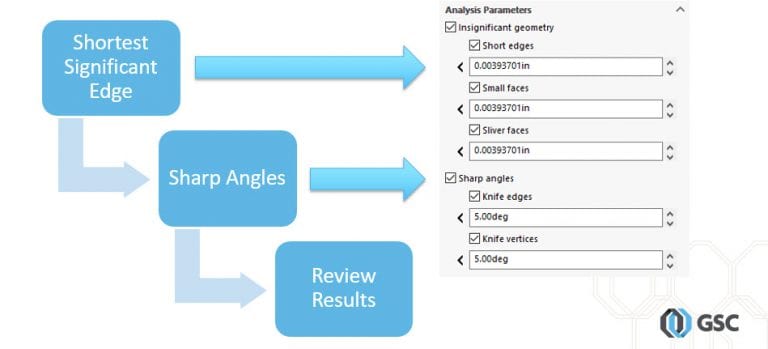
Troubleshoot Meshing with SOLIDWORKS Geometry Analysis Tool
Use the SOLIDWORKS Geometry Analysis tool to determine areas in your model that might cause meshing problems.
-
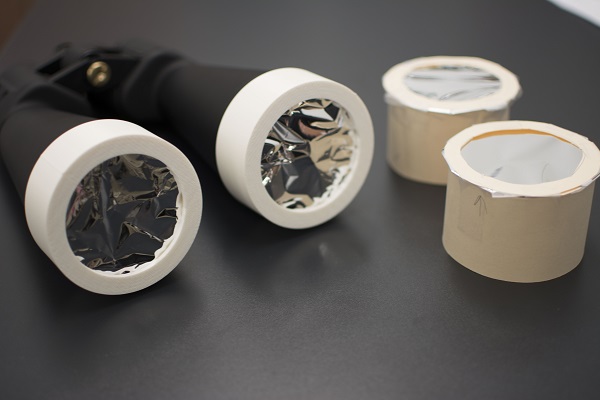
Designed in SOLIDWORKS: Solar Filters for Binoculars
Create your own solar filters for binoculars using SOLIDWORKS and a 3D printer, and get a close-up view of the August 21 solar eclipse.
-
SAS Forks – Simulation Success Story
When SAS Forks experienced an issue with a prototype of their EXTREME Auto Processor, they turned to SOLIDWORKS Simulation to identify and correct the deficiency in the design.
-
Capture the Stars with SOLIDWORKS
With SOLIDWORKS you can conquer any design challenge — even when they’re personal.
-
GSC, SOLIDWORKS, & EAA Partnership Delivers SOLIDWORKS to Members
GSC has again partnered with the Experimental Aircraft Association (EAA) and Dassault Systèmes SOLIDWORKS to offer EAA members free access to the SOLIDWORKS Student Design Kit- EAA Maker Edition.
-
Function Better: Shift to SOLIDWORKS Keyboard Shortcuts
Do you want to work faster in SOLIDWORKS? Then, look no further than the SOLIDWORKS keyboard shortcuts.
-
What is the Best Computer Hardware for SOLIDWORKS?
The answer to this question varies somewhat on the type of things you design, but mostly the variability comes from time – as in, its passage.
-
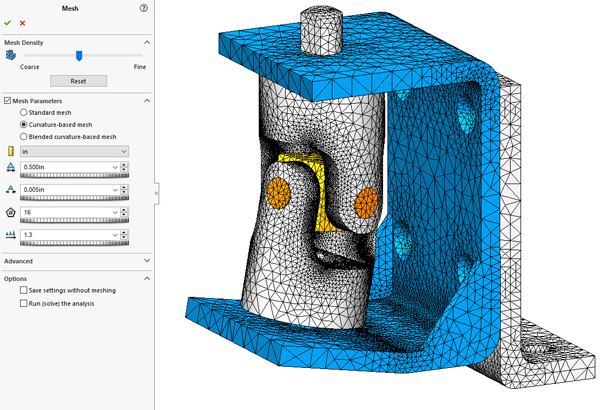
Who Needs Mesh Controls Anyway?
Optimize the quality of your mesh with the global mesh settings.
-
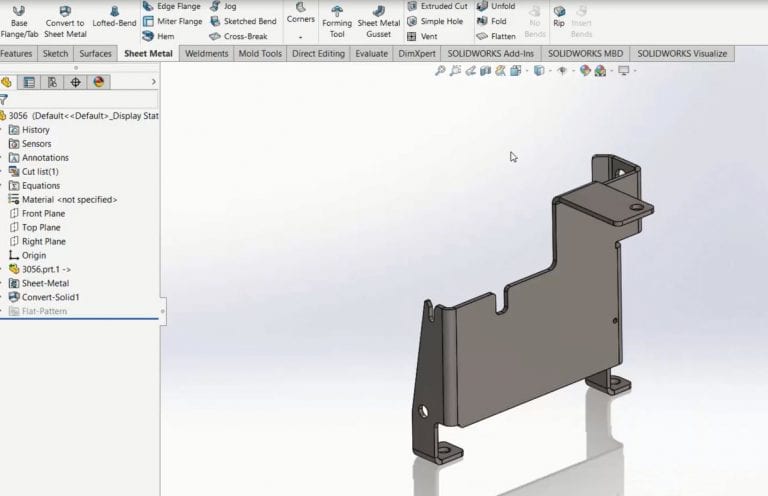
Using SOLIDWORKS 3D Interconnect with Sheet Metal Parts
The new 3D Interconnect functionality introduced in SOLIDWORKS 2017 is useful when working with a variety of native non-SOLIDWORKS files, including parts that are ultimately sheet metal in nature.
-
Experience All the Benefits of a Complete 3D Design Solution
To learn more about the features in SOLIDWORKS Premium, see what our experts have to say.
-
GSC Named 2016 Germantown Business of the Year
GSC is honored to be recognized as the 2016 Business of the Year by the Germantown Chamber of Commerce.
-
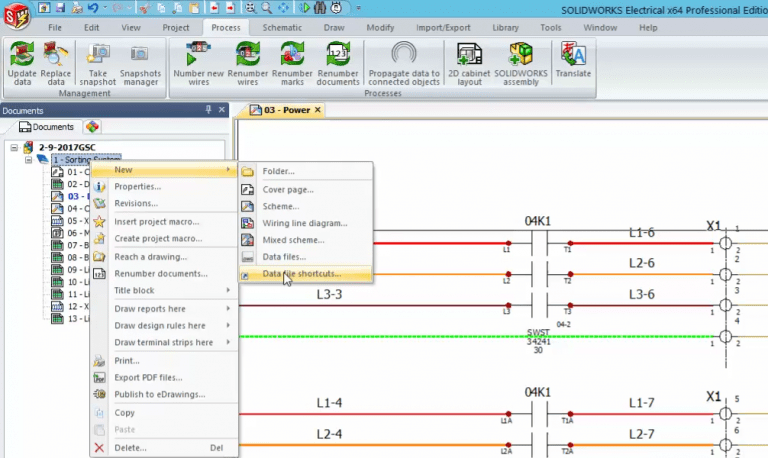
SOLIDWORKS Electrical 2017: Data Files Shortcut
When using data file shortcuts in SOLIDWORKS Electrical 2017, all of your reference documentation can now be a live link that stays up to date.
-
5 Best Practices for Successful Product Development & Innovation
Successful product development and innovation goes far beyond designing something you think is cool.
-
SOLIDWORKS Electrical 2017: Propagate Data to Connected Objects
A powerful numbering scheme in SOLIDWORKS Electrical 2017
-
SOLIDWORKS Electrical: Connection Dots
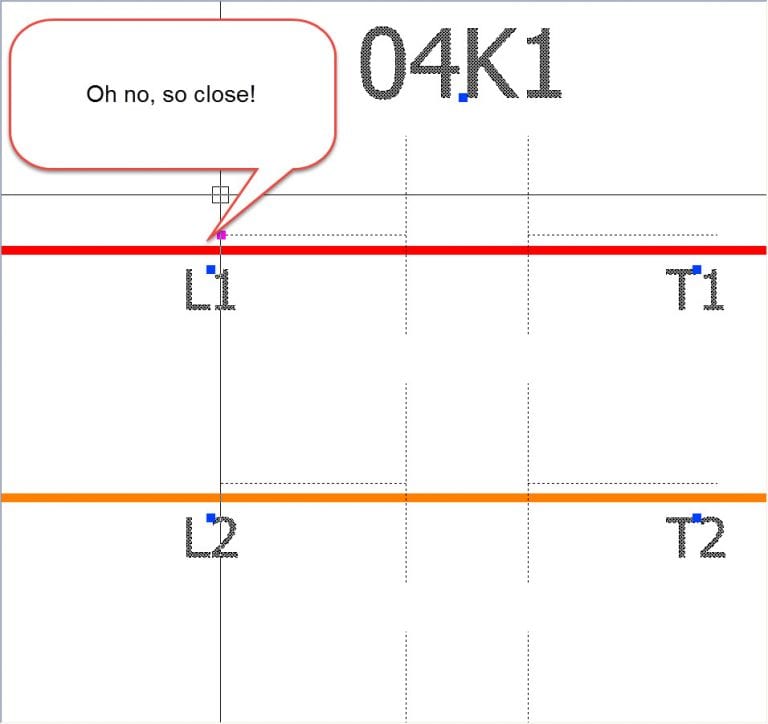
No need to lament any further over missed connections, thanks to these SOLIDWORKS Electrical new features.
-
SOLIDWORKS Simulation: Getting Started
Those new to SOLIDWORKS Simulation tend to look for the “easy” button. While the software can be easy to use, if it knew exactly what we wanted and how to do it we’d likely be out of jobs.
-
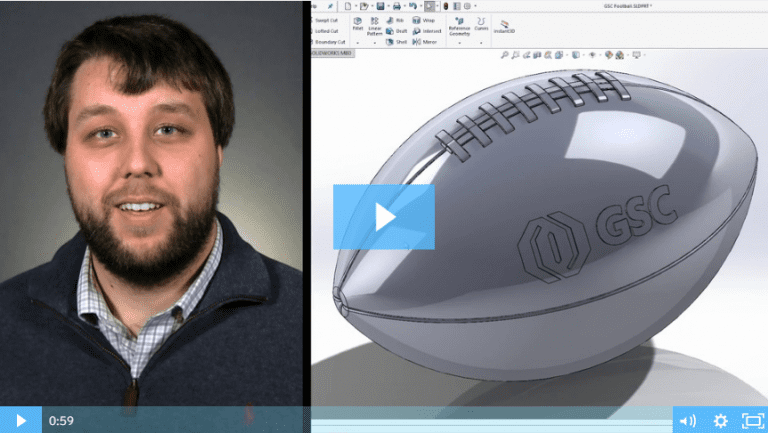
SOLIDWORKS 2017: Wrap Feature
Watch and learn how to use the new and improved wrap feature in SOLIDWORKS 2017.
-
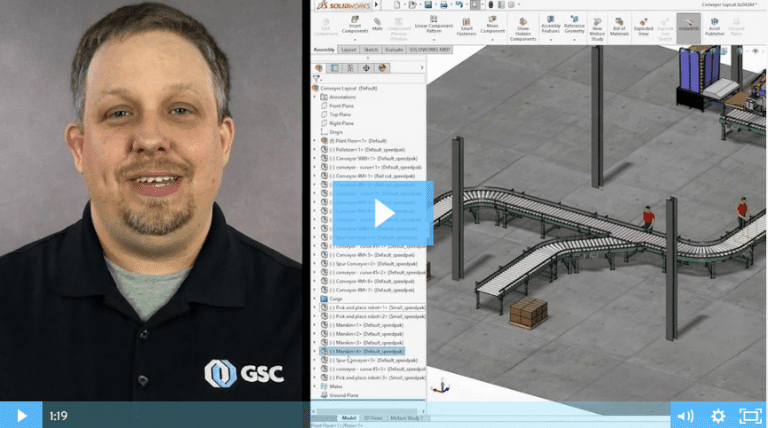
SOLIDWORKS 2017: Magnetic Mates
SOLIDWORKS 2017 introduces magnetic mates, a real game-changer when working with large assemblies.
-
We Have the Best Customers, Hands Down
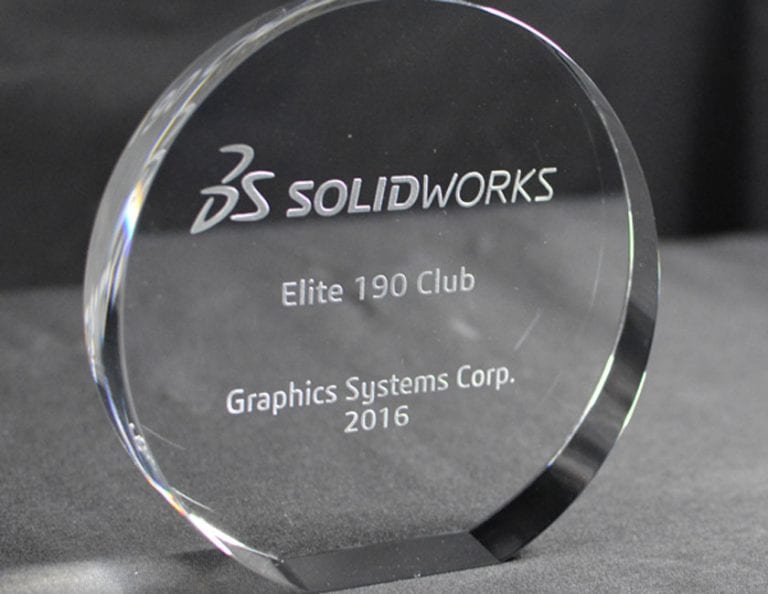
It’s because of you that we get to do what we love – serving our customers and helping fuel your success. And, because of you, GSC was honored to receive the “Elite 190 Club Award” from Dassault Systèmes SOLIDWORKS Corp. for the 13th consecutive year.
-
5 Habits Of Successful SOLIDWORKS Power Users
We all get busy and when you’re rushing to get a job completed, it’s easy to form some bad SOLIDWORKS habits along the way. We polled some of our power users to see what helped them break the bad habits and increase their efficiency in SOLIDWORKS.
-
Top 5 Best Practices for a Seamless CAD Implementation
Over my 37+ years in manufacturing, I have overseen several CAD system implementations and optimizations within a global environment. Some have gone smoother than others, but I’ve learned a lot of great lessons along to help you get the most value out of your CAD system.





SOLIDWORKS Webinars & Power Hours