
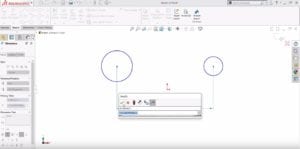
SOLIDWORKS How-To: Using the Smart Dimension Tool When Sketching Arcs & Circles
When you’re sketching in SOLIDWORKS and want to create a dimension, and you don’t want the dimension location to be a circle’s center, use the circumference!
Read More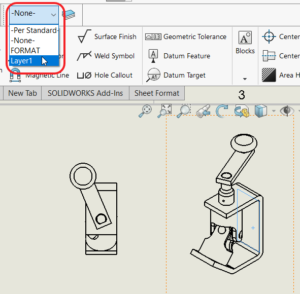
SOLIDWORKS How-To: Change a Component Color in a Drawing View
Walk through this how-to on changing a component color in a drawing.
Read More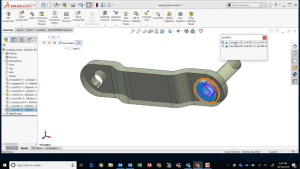
SOLIDWORKS How-To: Copy & Mate by CTRL-Drag & Drop
It’s the little things that make a big difference. Learn this quick drag and drop trick to copy a component AND do SmartMates.
Read More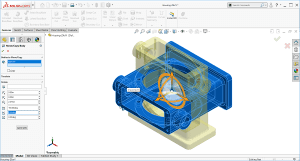
SOLIDWORKS How-To: Reorient an Imported Part
See how you can easily fix orientations on imported parts through the Move / Copy body function.
Read More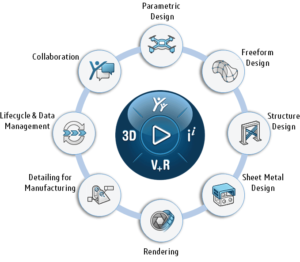
What is the SOLIDWORKS Cloud Offer?
The SOLIDWORKS Cloud Offer brings together 9 powerful next-generation design solutions running on the cloud-based 3DEXPERIENCE platform. Create designs, access data, or view on your laptop or tablet – all in a web browser.
Read More
Jump-Start Your SOLIDWORKS CAD Management
Establish the best practices for SOLIDWORKS use in your company. Learn everyday CAD management tasks, from troubleshooting software settings to mass installation.
Read More
SQL Licensing Changes for SOLIDWORKS 2022 PDM & Manage
SOLIDWORKS has made changes to the way that SQL licensing will be with future versions of PDM and Manage. This blog goes over the changes being made and what you need to know for the future.
Read More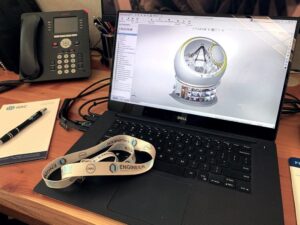
SOLIDWORKS Performance Enhancements 2019-2022
Learn about SOLIDWORKS Performance Enhancements and discover the latest improvements made from 2019-2022 to maximize your innovation and productivity.
Read More
Prepare for the Cloud: 3DEXPERIENCE Cloud Eligibility Checker
Access data anywhere and connect with customers to deliver the best experience. Learn how the Cloud Eligibility Checker tool can help ensure you are ready for the cloud.
Read More
Preparing for the 3DEXPERIENCE Platform
The 3DEXPERIENCE Platform offers an expansive suite of tools, to help connect departmental functions throughout your organization in a way that’s not just CAD-aware but CAD-intelligent.
Read More
3D Sculpting A ‘Misfit Toy’ For Christmas
See how the 3DExperience platform and xShape were used to create a model of the Rankin-Bass claymation “misfit toy” known as the Spotted Elephant. Follow along and design your own.
Read More
WoundSim Plugin for Abaqus Makes Composite Tank Design Easy
The WoundSim plugin application simplifies the process of designing and simulating composite pressure vessels. Learn how this application can help you ease the design process of composite tanks.
Read More