
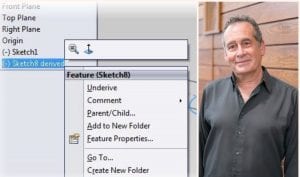
Back to the Basics of Copying & Deriving Sketches: Sol & Sal Tutorial
How fast are you at reusing your sketch geometry? Or ensuring copied sketches update when the original changes? Learn quick tips on copying and deriving SOLIDWORKS Sketches in our tutorial.
Read More
Celebrating 25 Years at GSC: Our Q&A with Training Manager John Setzer
John has celebrated 25 years with GSC this May. In turn, we wanted to celebrate John – with a Q&A around SOLIDWORKS, Training, and more.
Read More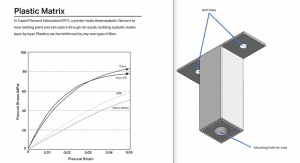
How to Estimate the Strength of a 3D Composite Part – Markforged Design Series Part 1
Read part 1 in this design series by our specialist who dives into Markforged 3D composite parts and strength analysis.
Read More
SOLIDWORKS Electrical Snapshots: Back to the Future
Have you uncovered the convenient snapshots you can take in your SOLIDWORKS Electrical Project? Test new features, capture revisions, or archive project states.
Read More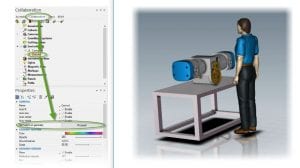
Shadowing & Shininess Secrets in SOLIDWORKS Composer: Sol & Sal Tutorial
Do you know how to control shadows or shiny finishes of your SOLIDWORKS Composer renderings? Learn how.
Read More
GSC’s Interim Support, Guest & Training Policies
We’ve updated our visitation policies and moved as much training online as we can for the health and safety of our community.
Read More
Shading in SOLIDWORKS Composer: Sol & Sal Tutorial
Have you thought about having different appearances on different parts in your model? Learn a quick tip on custom rendering.
Read More
Expand Your Skills with SOLIDWORKS Essentials & Additional Training Classes
I learned everything from basic part construction – including chamfers, ribbing, and patterns – to rendering and the Hole Wizard. SOLIDWORKS Essentials helped me create assemblies, bill of materials, and drawings.
Read More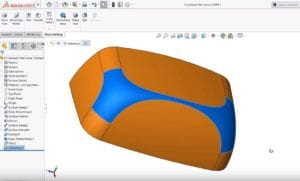
SOLIDWORKS Tech Tip on Delete Face: Move a Face From a Surface Body
Learn how to easily delete a face from a solid or surface body when modeling in SOLIDWORKS.
Read More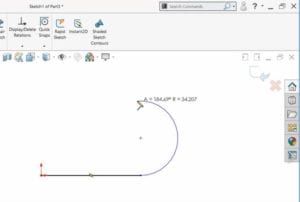
SOLIDWORKS How-To: Autotransition & Create Geometry in CAD, Fast
Draw more shapes than you thought possible in CAD simply by using mouse movements and the “A” key where necessary!
Read More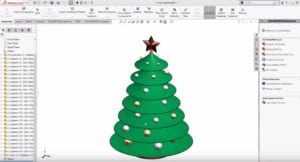
10 SOLIDWORKS Modeling Tips for the Holidays
Watch this quick holiday video showing 10 SOLIDWORKS modeling tips!
Read More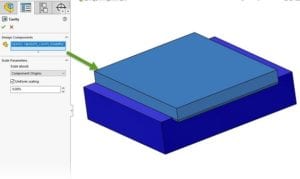
Drilling Into the SOLIDWORKS Cavity Command
Have you ever had to create a relief on a part in an assembly, based on the shape of a neighboring part?
Read More