
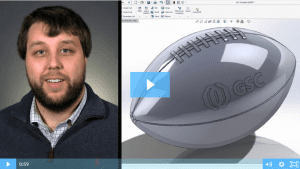
SOLIDWORKS 2017: Wrap Feature
Watch and learn how to use the new and improved wrap feature in SOLIDWORKS 2017.
Read More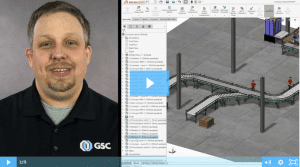
SOLIDWORKS 2017: Magnetic Mates
SOLIDWORKS 2017 introduces magnetic mates, a real game-changer when working with large assemblies.
Read More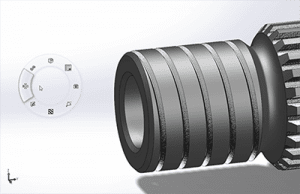
5 Habits Of Successful SOLIDWORKS Power Users
We all get busy and when you’re rushing to get a job completed, it’s easy to form some bad SOLIDWORKS habits along the way. We polled some of our power users to see what helped them break the bad habits and increase their efficiency in SOLIDWORKS.
Read More
Top 5 Best Practices for a Seamless CAD Implementation
Over my 37+ years in manufacturing, I have overseen several CAD system implementations and optimizations within a global environment. Some have gone smoother than others, but I’ve learned a lot of great lessons along to help you get the most value out of your CAD system.
Read More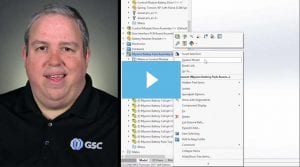
SOLIDWORKS 3D Interconnect: Seamless Collaboration Between CAD Platforms
3D Interconnect is a revolutionary technology that allows a SOLIDWORKS user to directly open files and use models from other native CAD systems in their native format.
Read More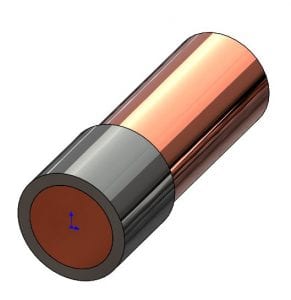
Removing Interfering Material In A SOLIDWORKS Assembly
From my product designer’s perspective, one of the most useful functions in a 3D solid modeler such as SOLIDWORKS is the ability to check for potential interferences in their still-virtual assembly.
Read More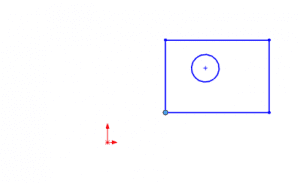
Use SOLIDWORKS Align Sketch Tool to Move Underdefined Sketch Elements to the Origin
While production models should generally have fully defined sketches, sometimes you just want to make all the elements in an underdefined sketch move to the origin, such as when working with imported or copied geometry. There is an easy way to do this in SOLIDWORKS, you just have to know where to look.
Read More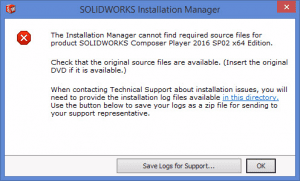
SOLIDWORKS: Installation Manager Cannot Find Required Source Files
A common hurdle to a repair or update of the SOLIDWORKS application is a failure of the Installation manager to locate the source files that were used to install the application.
Read More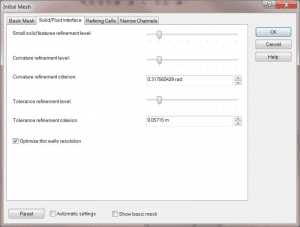
How to Use Meshing in SOLIDWORKS Flow Simulation – Part 3
Let’s talk about how to use initial mesh in Part 3 of our SOLIDWORKS Flow Simulation series.
Read More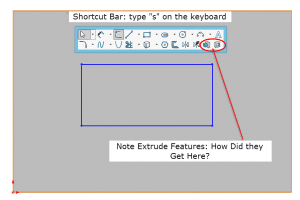
SOLIDWORKS Shortcut Bar Quick Tip: Adding Feature Tools to Your Sketch Shortcut Bar
Here’s a quick tip to help you customize your SOLIDWORKS Sketch Shortcut Bar with tools outside of the normal grouping.
Read More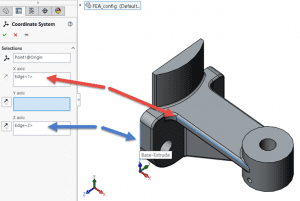
How to Export Using a Custom Coordinate System in SOLIDWORKS
CAD systems like SOLIDWORKS and CAM systems use different directions for defining coordinate systems. The result is, when a model is exported from SOLIDWORKS and imported to a CAM system, the model comes up in the CAM system in the “wrong” orientation. The good news is there’s a simple fix!
Read More