
Posts by GSC
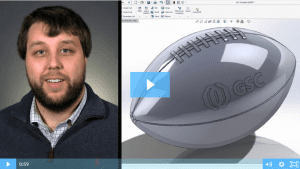
SOLIDWORKS 2017: Wrap Feature
Watch and learn how to use the new and improved wrap feature in SOLIDWORKS 2017.
Read More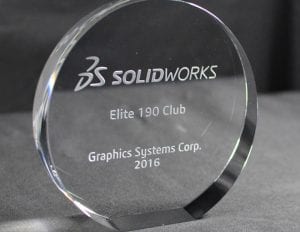
We Have the Best Customers, Hands Down
It’s because of you that we get to do what we love – serving our customers and helping fuel your success. And, because of you, GSC was honored to receive the “Elite 190 Club Award” from Dassault Systèmes SOLIDWORKS Corp. for the 13th consecutive year.
Read More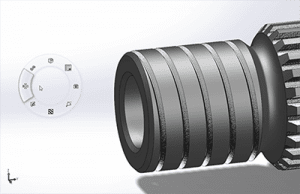
5 Habits Of Successful SOLIDWORKS Power Users
We all get busy and when you’re rushing to get a job completed, it’s easy to form some bad SOLIDWORKS habits along the way. We polled some of our power users to see what helped them break the bad habits and increase their efficiency in SOLIDWORKS.
Read More
Top 5 Best Practices for a Seamless CAD Implementation
Over my 37+ years in manufacturing, I have overseen several CAD system implementations and optimizations within a global environment. Some have gone smoother than others, but I’ve learned a lot of great lessons along to help you get the most value out of your CAD system.
Read More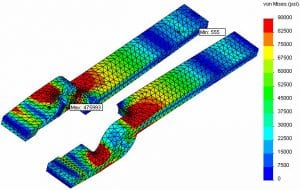
The General Process of Fatigue Analysis
Running a fatigue analysis is becoming a growing trend in mechanical parts and assemblies.
Read More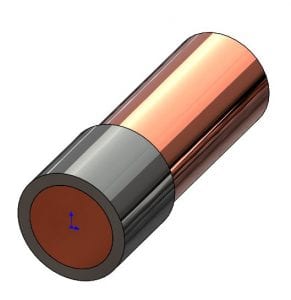
Removing Interfering Material In A SOLIDWORKS Assembly
From my product designer’s perspective, one of the most useful functions in a 3D solid modeler such as SOLIDWORKS is the ability to check for potential interferences in their still-virtual assembly.
Read More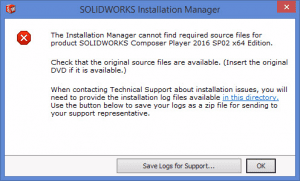
SOLIDWORKS: Installation Manager Cannot Find Required Source Files
A common hurdle to a repair or update of the SOLIDWORKS application is a failure of the Installation manager to locate the source files that were used to install the application.
Read More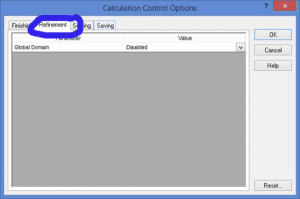
How to Use Meshing in SOLIDWORKS Flow Simulation – Part 4
Let’s talk about how to use adaptive mesh in Part 4 of our SOLIDWORKS Flow Simulation series.
Read More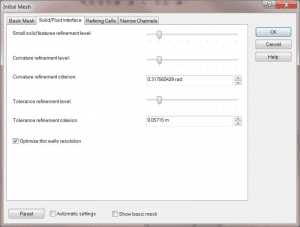
How to Use Meshing in SOLIDWORKS Flow Simulation – Part 3
Let’s talk about how to use initial mesh in Part 3 of our SOLIDWORKS Flow Simulation series.
Read More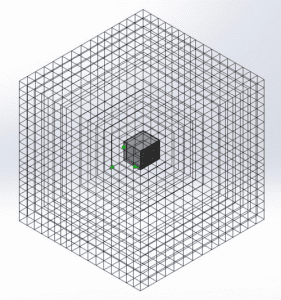
How to Use Meshing in SOLIDWORKS Flow Simulation – Part 2
Let’s talk about how to use basic mesh in Part 2 of our SOLIDWORKS Flow Simulations series.
Read More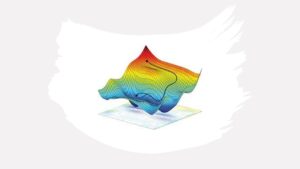
How to Use Meshing in SOLIDWORKS Flow Simulation – Part 1
Welcome to Part 1 of our four-part SOLIDWORKS Flow Simulation series! In Part 1, we’ll take a closer look at the basics and stages of Flow Simulation.
Read More