
Online
Events at this venue
-
-
Power Hour: Multibody Sheet Metal Parts
OnlineMultibody techniques can be very useful when creating sheet metal components. Whether it’s splitting a part into pieces to fit stock, creating separate pieces to fit together as an alternative to assembly in context methods, or using multibodies to make complex designs easier to create, attending this Power Hour will build your design muscle.
-
Power Hour: Intro to 3D Sketching in SOLIDWORKS
OnlineTake a deeper dive into sketching as we cover advanced part creation techniques. We’ll demonstrate 3D Sketches and Sketch Plane creation tips, and bring you up to date on recent enhancements therein. Intermediate/Advanced level.
-
-
DriveWorks: Configure, price, quote: Sell & manufacture complex products faster with CPQ
OnlineDriveWorks Pro combines powerful SOLIDWORKS® part, assembly, and drawing automation with engaging 3D CPQ sales configurator features to enable manufacturers to implement a successful digital selling strategy, work smarter, reduce errors, and exceed customer expectations. Use DriveWorks to configure, price and quote configurable products faster and with greater accuracy. In this webinar, our product experts will…
-
Power Hour: Schematic Library Best Practices
OnlinePower up your electrical library, learn best practices on creating, managing, importing and connecting your parts, symbols, and other application data.
-
Power Hour: Appearances, Scenes, and Decals
OnlineHave you ever wanted to make your model look more “real” in SOLIDWORKS? Come to this session to learn the fundamentals of working with appearances to change what a model looks like, scenes to change the environment the model is in, and decals to apply art directly to your models in SOLIDWORKS. Attendees will explore…
-
DriveWorks: Simplify complex processes: Configure products in 3D & sell more
OnlineDriveWorks Pro combines powerful SOLIDWORKS® part, assembly, and drawing automation with engaging 3D CPQ sales configurator features to enable manufacturers to implement a successful digital selling strategy, work smarter, reduce errors, and exceed customer expectations. In this webinar, our product experts will share their knowledge of using DriveWorks as a 3D Sales Configurator. Learn how creating an…
-
Power Hour: Sketching Tips and Tricks Part 2
OnlineWe had so many tips in our Sketching Tips and Tricks Power Hour that we had to make a second session! Everyone sketches in SOLIDWORKS so you can never have enough, so come to this second session for more and become even more efficient in this everyday SOLIDWORKS task.
-
Power Hour: Design of Experiments Using SOLIDWORKS Simulation
OnlineWith the powerful capabilities of analysis and simulation tools, designers and engineers have the ability to explore a range of potentially viable designs. How do wade through the sea of all these potential solutions? Join us for September's Power Hour and learn more about Design of Experiments as employed through SOLIDWORKS Simulation for structural analysis.…
-
DriveWorks: Automate SOLIDWORKS: Generate custom designs in less time
OnlineDriveWorks combines powerful SOLIDWORKS part, assembly, and drawing automation with engaging 3D CPQ sales configurator features to enable manufacturers to implement a successful digital selling strategy, work smarter, reduce errors, and exceed customer expectations. In this webinar, our product experts will share their knowledge and give you an introduction to using DriveWorks to automate your…
-
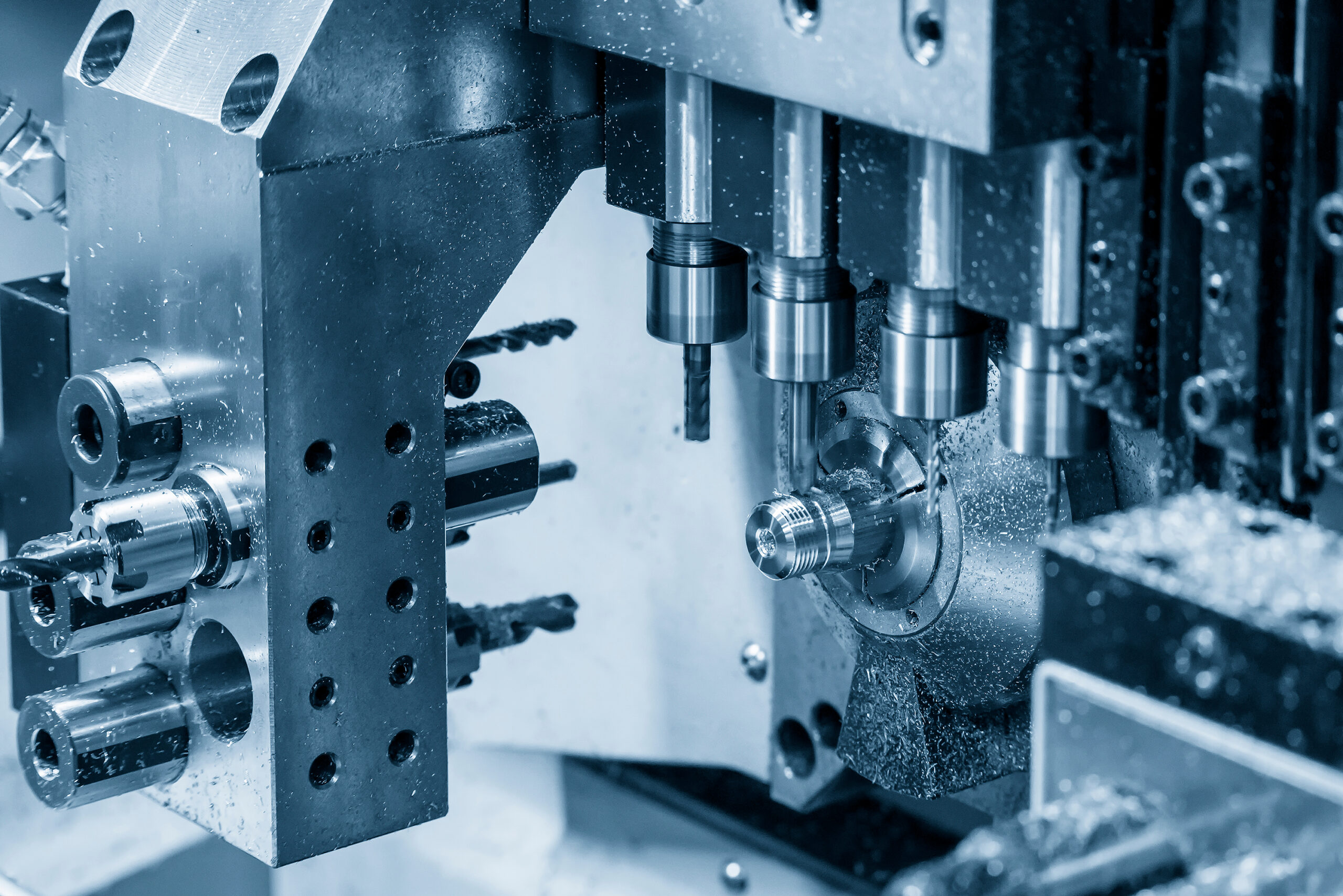
CAMWORKS Webinar: Maximizing Swiss Turn Machines: Insights from Experts
OnlineSwiss-type machines have become a critical technology for shops producing small, complex, high-precision components in industries such as medical, aerospace, electronics, and defense. Join our panel of experts as they share practical insights into selecting, programming, and optimizing Swiss machines to improve quality, shorten cycle times, increase automation, and maximize the return on your investment.…